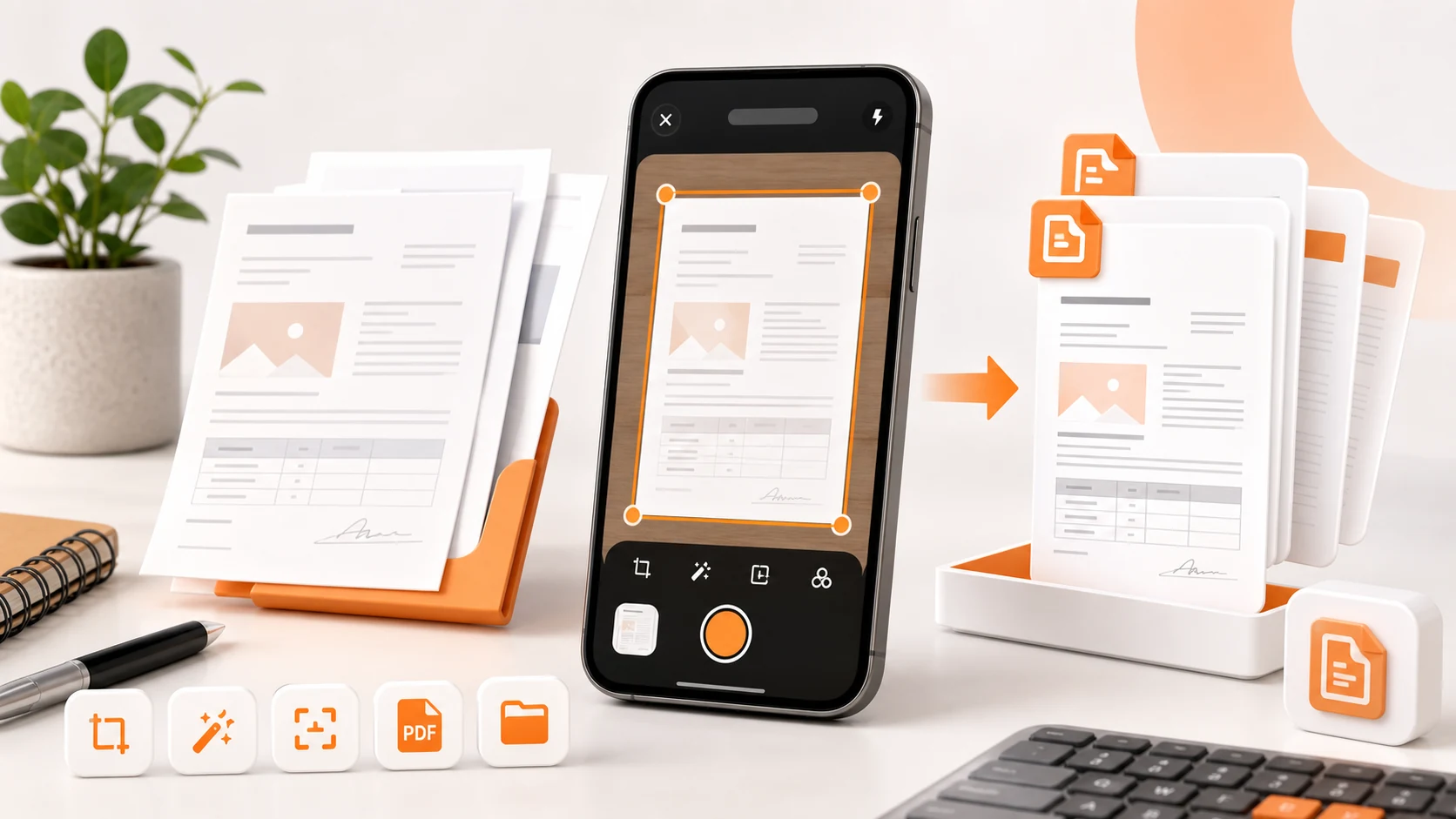
The first working version of DocScanner produced correct PDFs that were unusable. A five-page scan came out at thirty-eight megabytes. It opened fine, the pages looked right, and no one could attach it to an email.
The cause is worth writing down, because Android's own PDF API leads you into it.
PdfDocument does not compress your images
android.graphics.pdf.PdfDocument gives you a Canvas per page. You draw onto it. It writes a PDF. This is the documented path and it is genuinely convenient.
What it does not do is compress bitmaps intelligently. When you draw a bitmap onto a PDF page canvas, the pixel data goes into the page's content stream. A modern phone camera produces something in the range of twelve million pixels; at four bytes per pixel that is roughly forty-eight megabytes of bitmap for a single page before any encoding. Even with the compression that ends up applied, you are shipping raw-ish image data rather than the JPEG the camera already produced.
The camera hands you a JPEG. It is already compressed, usually well, by hardware built for the job. Then a naive pipeline decodes it to a bitmap, draws it into a PDF, and re-encodes it worse.
The fix is to stop decoding. A PDF page can reference an image XObject whose stream is a JPEG with DCTDecode filtering — that is, the JPEG bytes go into the file more or less as they are. Once we embedded the encoded bytes instead of drawing decoded bitmaps, the same five-page document came out at a size people could actually send, and it looked better, because it had been through one lossy encode instead of two.
We use a PDF library for this rather than PdfDocument, which is the trade-off: more dependency weight in exchange for control over how image data enters the file. For a scanner app that is the correct trade.
The memory problem underneath the size problem
The size bug was visible. The memory bug was worse and less visible, because it only appeared on some devices.
A scanner app holds several full-resolution images at once by nature: the captured page, the perspective-corrected version, the filtered version, and a thumbnail. Do that for a multi-page document with a naive pipeline and you will hit OutOfMemoryError on any device without a generous heap — which is most of the devices people actually own, not the ones on our desks.
What we changed:
Nothing full-resolution stays in memory. Captured pages are written to disk immediately and referenced by path. The in-memory representation of a page is metadata plus a small preview.
Previews are decoded downsampled. BitmapFactory.Options.inSampleSize — or ImageDecoder with a target size on newer API levels — means the preview grid never decodes a twelve-megapixel image to show a thumbnail two hundred pixels wide. This is the single largest memory win and it is embarrassingly easy to get wrong, because the naive version works fine with three pages and dies at twenty.
Export streams page by page. The PDF writer opens the file, processes one page, releases it, and moves on. Peak memory is one page, not the whole document. A forty-page scan uses the same memory as a two-page scan.
Previews use RGB_565 where colour depth does not matter. Half the bytes of ARGB_8888, and for a thumbnail of a document nobody can tell.
The general shape of the lesson: in an image app, the amount of memory you use should depend on what you are showing, not on how many things exist.
Why the review step exists
There is a version of this app that scans and saves in one motion. We built it and took it out.
The reason is that a bad scan is only cheap to fix while the paper is still in front of you. Ten seconds later the receipt is in a bag and the form has been handed back, and a page with a shadow across the total is now a permanent record of a shadow across the total. Retaking a page immediately costs five seconds. Discovering the problem next month costs the document.
So DocScanner puts a review between capture and save, and the review shows the things that actually go wrong:
- A corner outside the detected quadrilateral
- Blur, which is the most common defect and the hardest to see on a phone screen at thumbnail size
- Glare on the region with the important numbers
- A page rotated the wrong way
- Pages out of order in a multi-page document
Most of these are one-tap retakes at the moment of review and unrecoverable afterwards.
Capture habits that come from the pipeline
The advice below is not generic photography guidance. Each item maps to something specific in the processing chain.
Use a contrasting background. Edge detection finds the page boundary by looking for a strong quadrilateral. White paper on a white desk has no boundary to find. This is the single biggest determinant of whether automatic detection works, and it is entirely under your control.
Leave margins around the page. Detection needs to see all four corners in frame. A tight crop at capture time removes the information the perspective correction needs, and there is no recovering it later.
Hold the phone parallel to the page. Perspective correction can straighten a moderate angle. A severe angle means the far edge of the page occupies far fewer pixels than the near edge, and stretching those pixels back out produces text that is legibly worse at the top of the page than the bottom.
Even light beats bright light. A single strong source produces a hard shadow from the phone itself, usually across the middle of the page. Diffuse light from a window or a room light produces a flatter, more readable capture.
Tilt slightly for glossy paper. Thermal receipts and laminated pages reflect the light source straight back. A few degrees of tilt moves the reflection off the text without introducing enough angle to hurt the correction.
Scan multi-page documents in reading order, in one session. Reordering is possible and it is a step where mistakes happen. Getting it right at capture removes the opportunity.
Naming, and why it is not a small thing
The file is created at the moment you know what it is, and it is opened at the moment you have forgotten. A PDF called Scan_20260411_044103 in a downloads folder is a document you will open to identify. A PDF with the document type and date in its name is a document you can find.
The same applies to sharing. A file arriving with no message is a small task for the recipient. One line saying what it is and what it relates to costs you three seconds and saves them the round trip.
What still bothers us
Automatic edge detection fails on low-contrast backgrounds, and our current answer is manual corner adjustment. That works and it is slower than it should be. The detection itself could be better; we have not invested there yet because the manual path is reliable and the failure is visible rather than silent.
We also do not currently produce a searchable PDF — one with an invisible text layer behind the image, so the file is findable by content in other applications. The OCR to do it exists in the app. Wiring the extracted text into the PDF as a positioned text layer is real work and it is the feature we get asked for most by people who scan a lot of paper.