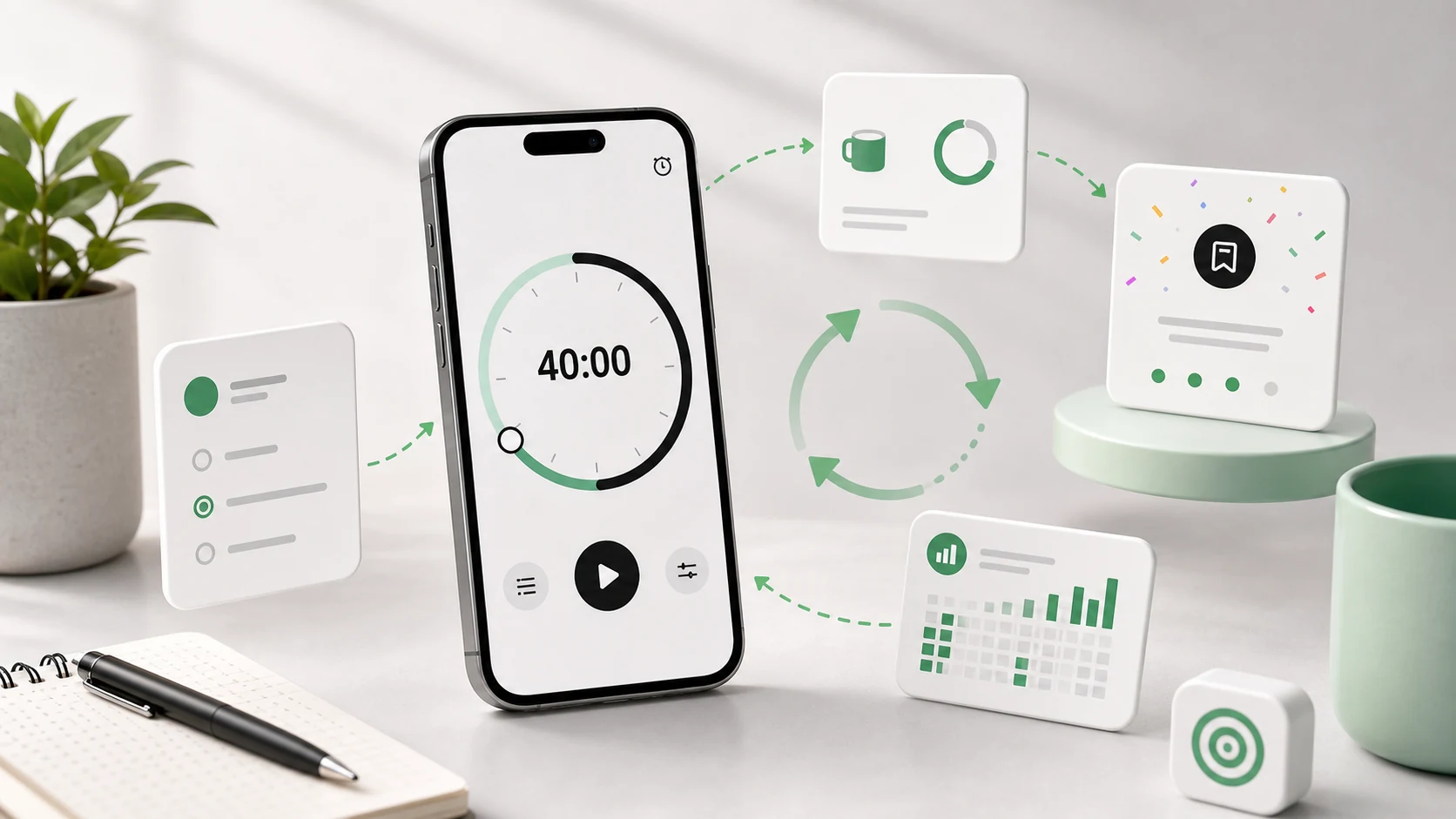
A countdown looks like it has two states. It is running, or it is not.
The bug reports say otherwise. Ours accumulated around one button, and reading them in a batch made it clear that "pause" was not one behaviour, it was four different user intentions sharing a control.
What people mean when they pause
"Hold on, I'm coming back in thirty seconds." Someone at the door. The session is intact; the clock should stop and resume.
"I'm done, this session is over." The work finished early, or it fell apart. Using pause because the stop button felt too final.
"I want to see how much is left." Not an intent to pause at all. On the old design the timer only displayed prominently in the app, so people paused to look, then forgot to resume.
"Something more important came up and I don't know when I'll be back." An interruption that will not resolve in a minute, and might not resolve today.
One button, four meanings, and the app resolved all of them the same way: stop the clock, wait indefinitely. So sessions sat paused for hours. When someone opened the app the next day, there was a twenty-five minute block, paused, with three minutes remaining, from yesterday afternoon, and no indication of what it was.
The state machine we should have written first
A session is now explicitly one of:
Running. An end instant on the monotonic clock, a live foreground service, a scheduled completion alarm.
Paused. A remaining duration, frozen, plus when the pause started. The alarm is cancelled. The service stays, because a paused session is still a session and its notification is how you resume without hunting for the app.
Completed. Reached zero. Recorded.
Abandoned. Ended before zero, deliberately. Also recorded, as an abandoned session, because that is information rather than nothing.
Expired. Paused for long enough that it is no longer plausibly the same work. Resolved automatically into abandoned.
That last state is the one that fixed the actual problem. A session paused overnight is not a session. Rather than presenting a stale timer that the user has to make a decision about, the app closes it out and says what it did.
Making abandonment an explicit state also changed how pause could behave, because there is now somewhere for "I'm done" to go that is not pause. Stopping a session shows what it was and how far it got, rather than silently discarding it. People were using pause as a soft stop because stop looked like deletion, and once stopping had a visible, non-punitive result, that usage largely went away.
Pauses and a monotonic clock
The implementation detail underneath: because a running session is stored as an end instant rather than a remaining count, pausing is not "stop decrementing." It is a conversion.
On pause, we compute the remaining duration from the end instant and store that instead. On resume, we compute a new end instant from the current time plus the stored remainder. The session moves between two representations depending on which state it is in, and neither of them is a counter that ticks.
This matters for the reason it always matters: the process can die at any point in either state. A paused session that stored "remaining: 7m 12s" is trivially restorable. A running session that stored "end at monotonic time X" is equally restorable. A session that stored "started at X, has been running Y seconds, minus pauses" would require reconstructing history from a log, and that is where the bugs would live.
We also store the wall-clock time alongside the monotonic one, so we can tell how long a paused session has been sitting and whether the device rebooted. Reboot resets the monotonic clock, so a session that spans one cannot be resumed honestly. We say so rather than guessing.
What counts as a completed session
This turned out to be a product question with an engineering shape.
If you set twenty-five minutes and stop at twenty-four, did you focus? Obviously yes. Does the app record a completed session? If it does, the threshold is arbitrary. If it does not, the record is dishonest in a way that will annoy anyone who looks at it.
We record what happened rather than judging it: the intended duration, the actual duration, and whether it reached zero on its own. A session that ran twenty-four of twenty-five minutes is stored as exactly that. There is no completion percentage, no streak, no score.
There is deliberately no streak. A streak makes the app's opinion about your day more prominent than the work, and it creates a strong incentive to start a token session to preserve a number. We would rather the record be boring and true.
Designing a session you can repeat
The best focus routine is not the most ambitious one. It is the one you can run again tomorrow.
One task, named, before you start. "Study" is not a task. "Review chapter three notes" is. The timer bounds time, not scope, and unbounded scope inside bounded time is the most common way a session ends feeling like nothing happened.
Match the length to the work, not to a convention. Twenty-five minutes is a default, not a law. Resistance-heavy work does better in short blocks, because starting is the hard part. Work with high setup cost — anything where you need to load a lot of context — does better in long ones, because the setup is paid once. Reading, writing, email triage, and planning all use attention differently.
Prepare before you press start. Tabs closed, desk clear enough to see the next action, water within reach, phone across the desk. Every one of these is an excuse removed in advance.
Decide the interruption policy in advance. What is allowed to break the session? Write it down once. Deciding in the moment means deciding under pressure, and under pressure everything feels urgent.
Take the break, and do not spend it on a feed. The break is what makes the next session possible. A break spent scrolling does not restore attention, it spends more of it.
Use the break to choose the next block. Three questions: what moved, what is the next visible step, and does it want another focus block or a different kind of work. This makes the next session easy to start, which is most of the battle.
Reading your own sessions
The record exists to change the next decision, and there are only a few things worth looking for.
If a task type consistently overruns its block, either the block is too short or the task is too big. Both are fixable and neither is a discipline problem.
If sessions are consistently abandoned around the same point, that point is telling you something — often that the block is longer than your actual attention span for that work, and that a shorter block completed is worth more than a longer one abandoned.
If the first ten minutes of every session are setup, the setup is the problem. Do it before the timer starts, or fix it once so it stops recurring.
If a session was abandoned because you needed information you did not have, that is not a focus failure at all. It is a sequencing one.
Where the app is no help
A timer cannot make an undefined task tractable, and it cannot tell you whether the work was worth doing. When a session goes badly the first question is whether the task was clear, not whether you concentrated hard enough. Quite often the answer is that the session was fine and the plan was not.