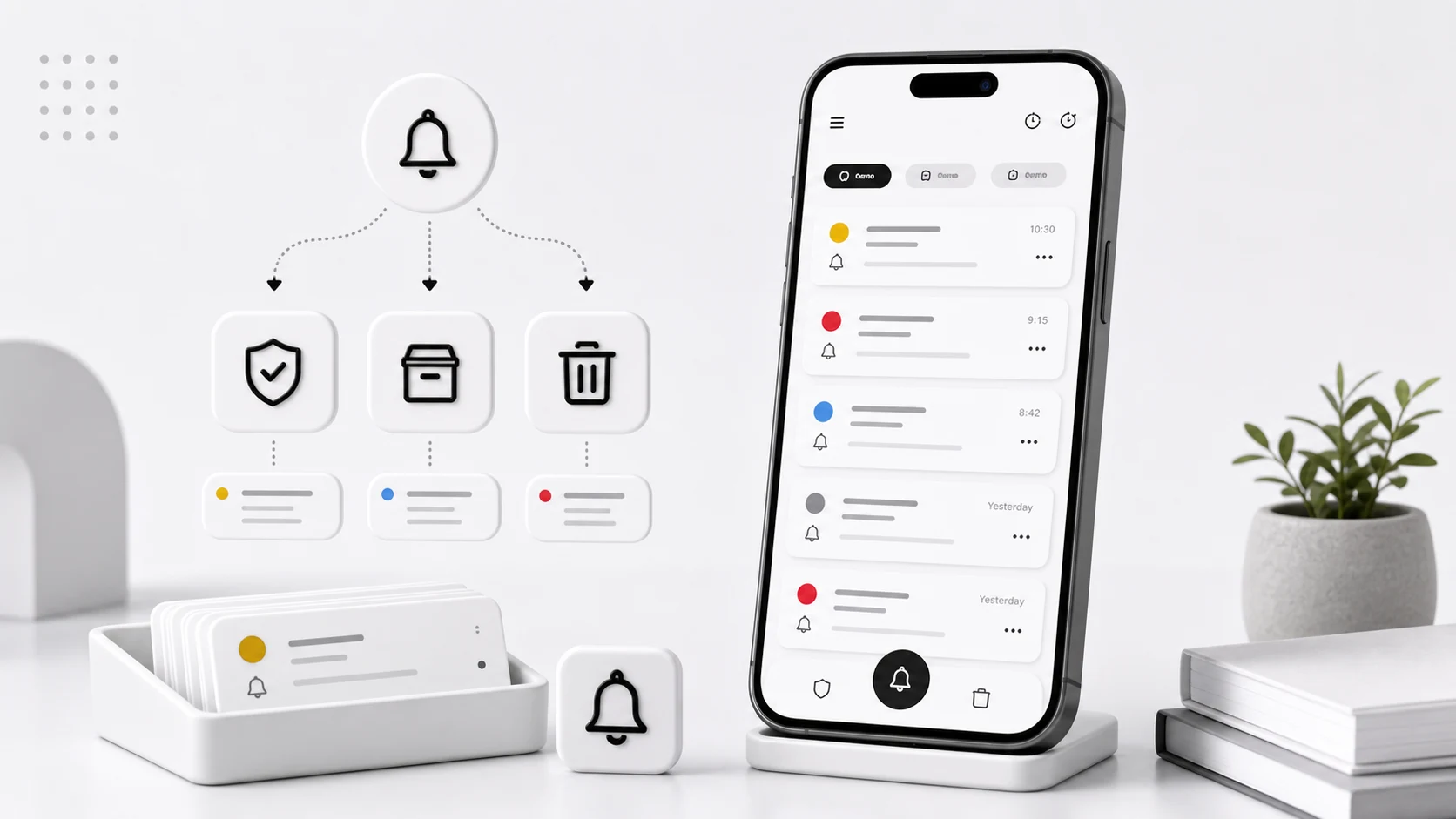
When we shipped notification history, we did not put a limit on it. Storage is cheap, notifications are small, and capping something users might want felt like an easy way to get complaints. That reasoning held up for about four months.
Then the reports started. Scrolling the history list stuttered. Search took a visible beat before results appeared. Opening the app after a few days away showed a spinner. And one message, from a user who had been running Notic since launch, described a history containing well over a hundred thousand rows.
None of this was surprising in hindsight. A phone with twenty noisy apps produces a few hundred notifications a day. Multiply by a year. The interesting part was that the fix was not primarily a performance fix.
The list was not slow because of the database
Our first assumption was that SQLite was struggling. It was not. Room handled the row counts fine once we looked at the actual queries. The problems were in three specific places, and only one of them was storage.
The search query had no index it could use. Notic searched titles and bodies with LIKE '%term%'. A leading wildcard means no index is usable, so every search was a full table scan with a string comparison per row. On a small history that is instant. On a large one it is a full second of the UI thread waiting. We moved search to an FTS4 virtual table, which turned the scan into a lookup. This was the change we should have made on day one and did not, because on our test devices the naive version was fast enough.
We were loading the whole history to render a screen. The history screen queried everything, sorted in memory, and handed a list to the adapter. This is fine at a thousand rows and terrible at a hundred thousand. Moving to Paging 3 with a PagingSource fixed the stutter and the cold-start spinner, because the screen now asks for a page at a time instead of the whole table.
Images were the real weight. Notification icons and large icons were being stored per row as separate files. Most of them were duplicates — the same app icon, saved thousands of times. Deduplicating by content hash and keeping one copy per unique image cut the app's storage footprint by more than half on the accounts we had reports from. This was the change users actually noticed, because it showed up in the Android storage settings screen.
The part that was not a performance problem
While we were reading those bug reports, we were also reading histories. Not user data — our own test devices, running the app the way we tell people to run it.
There were one-time passcodes in there from months earlier. Bank balance previews. A message from a doctor's office with a name and a time. Delivery notifications with a full street address, repeated for every status change on the same package. Password reset links.
All of it captured correctly, all of it working exactly as designed, and none of it something anyone had decided to keep. The user had chosen to filter an app once, and every notification that app sent afterwards became a permanent local record.
That is a bad default, and no amount of database tuning fixes it. Notification content is more sensitive than most app data precisely because it is a mix — a shipping update and an authentication code arrive through the same channel and look the same to a listener.
The retention model we landed on
We considered a global "delete after N days" setting and rejected it. A single number cannot be right for both a delivery notice you need for three days and a passcode you need for ninety seconds.
What Notic does now:
Notifications expire by default. Captured notifications have a retention window, and it is on unless you turn it off. The default is deliberately short. Extending it is a decision the user makes with the consequence stated, which is the opposite of how it worked before.
Favourites do not expire. Marking an item as a favourite is the explicit "keep this" signal. It is one tap, it is visible in the list, and it is the only thing that survives cleanup. This turns retention into something you opt a specific item into rather than something you opt an entire app out of.
Likely-sensitive notifications get a shorter window. Notic looks for the shapes that authentication messages take — a short numeric run in a body containing words like code, OTP, verification, or their Korean equivalents — and expires those quickly regardless of the general setting. This is a heuristic and it will occasionally shorten the life of a notification that was not a passcode. We decided that failure direction was the correct one.
Cleanup runs and reports. A periodic WorkManager job does the deletion, and the app shows what it removed. Silent deletion is how you end up with users who do not trust the history, and a history nobody trusts gets kept forever "just in case," which puts you back where you started.
What we ask users to do
Retention policy handles the tail. The front of the list still needs a person, and the habit that makes Notic worth having is short.
Pick a time that already exists in your day — lunch, the end of work, before you set your alarm. Open the history and go through what accumulated. Each item gets one of three outcomes:
Act on it if it takes less than about two minutes. Reply, confirm, click through, done.
Move it if it belongs somewhere else. A date goes in the calendar. A task goes in the task app. A reference number goes in a note. Copy the one line you need and leave the rest behind.
Clear it if it has finished its job.
If you cannot decide, leave it for one cycle. If the same item survives three cycles, that is a signal, and the signal is almost always that it should have been moved. A notification that keeps getting postponed is a task wearing a notification's clothes.
Five minutes covers a normal day. If it takes longer than that regularly, you are filtering too many apps, and the fix is upstream — either stop filtering an app whose notifications you always need, or turn off the notification channel at the source.
Exceptions rot faster than you expect
The other thing we see in support threads: exception rules that made sense once and stopped making sense months ago.
A project app was critical during a deadline in March. A travel app mattered for one trip. A school app was important during a term. These get added as exceptions, and then nobody removes them, because removing a rule requires remembering it exists.
Notic now shows how often each rule has actually matched. A rule with no matches in a long time is surfaced, not deleted — we are not going to silently change someone's configuration — but it is visible, with the match count next to it. Most people who see "0 matches in 90 days" next to a rule they wrote in spring delete it on the spot.
What Notic is not for
We get feature requests to add due dates, checkboxes, and reminders to saved notifications. We keep declining them, and the reason is the retention story above.
Notic sits between an interruption and a proper action. It is a holding area. The moment it grows task management, its retention model has to become permanent, because you cannot expire someone's to-do list — and then the app is back to being an unbounded store of the most sensitive data on the phone.
Calendars are better at dates. Task apps are better at tasks. Notes are better at notes. Notic is better at "I saw something in the shade, I was busy, I need it for the next few hours." Keeping that boundary is what lets the default be aggressive cleanup instead of infinite storage.
Still open
Per-app retention windows are the most requested thing we do not have. It is clearly right — a delivery app and a chat app deserve different defaults — and the interface for setting it without producing a settings screen nobody reads is the part we have not solved.
We also do not encrypt the history database beyond what Android's file-based encryption provides. For a device with a screen lock that is reasonable. For a shared or unlocked device it is thinner protection than the content deserves, and it is on the list.