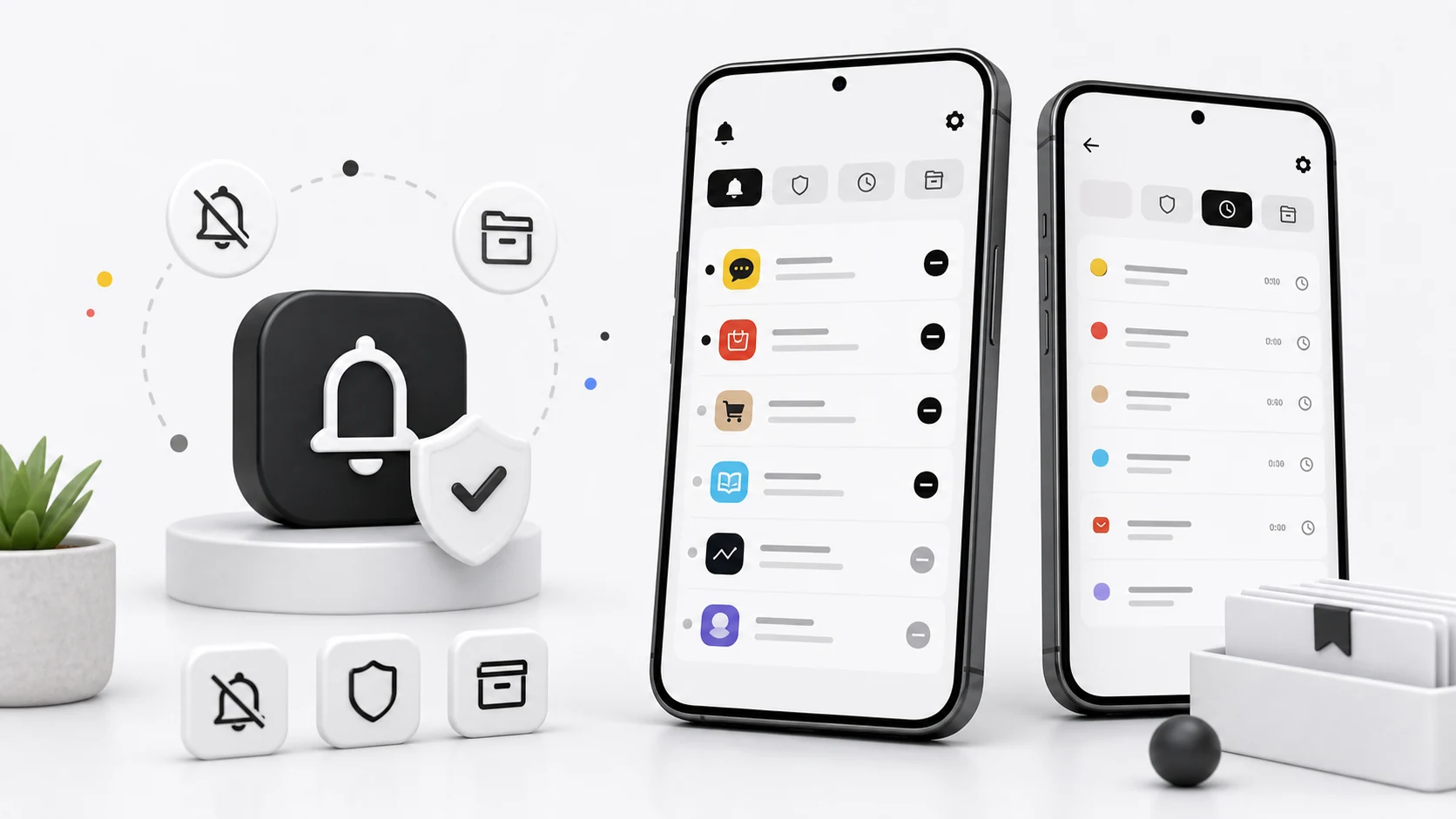
The first version of Notic was built on a wrong assumption. We thought Android had a way to say "keep this notification, but don't show it in the shade." It does not. There is no setVisible(false), no hidden tray, no read-only view of the shade that lets you leave something in place while suppressing it.
What you actually get is NotificationListenerService, and its useful verbs are short:
onNotificationPosted(StatusBarNotification sbn)
onNotificationRemoved(StatusBarNotification sbn, RankingMap map, int reason)
cancelNotification(String key)
snoozeNotification(String key, long durationMs)   // API 26+
getActiveNotifications()
That is the whole toolbox. So "hide this notification" is implemented as: read it, copy everything you need into your own storage, then cancel it. Once you cancel it, it is gone from the system's point of view. If your copy is incomplete, the information is lost, and the user has no way to get it back. Every design decision in Notic falls out of that one fact.
Read-then-cancel is a race, and we lost it
Our early builds did the obvious thing inside onNotificationPosted: parse the notification, write a row, call cancelNotification(sbn.getKey()). It worked in testing and failed in a specific, reproducible way in the field.
Apps do not post a notification once. They post it, then re-post the same id a few hundred milliseconds later with the real content, because the first post is often a placeholder while the app fetches a title, an avatar, or a message body. Messaging apps do this constantly. Delivery apps do it. So do email clients.
We were cancelling the placeholder. The app then re-posted, we cancelled again, and the user watched a notification flicker in and out of their shade several times before it stayed gone. Meanwhile our stored copy was whichever version we happened to catch first — often the empty one.
The fix was to stop treating a post as an event and start treating a notification key as a small state machine. When a key we are filtering arrives, we hold it briefly, keep the latest version, and cancel once the content stops changing. The delay is short enough that the notification does not sit visibly in the shade, and long enough that we capture the version the user would actually have read. Notifications marked with FLAG_ONGOING_EVENT skip the hold entirely; they are never going to settle, because they are progress bars.
We also stopped assuming the notification we cancel is the one we saw. onNotificationRemoved gives a reason code, and REASON_APP_CANCEL versus REASON_LISTENER_CANCEL matters. If the source app removed the notification itself while we were holding it, we still keep our copy but do not issue a cancel that would race with the system.
Group summaries are a second notification
Android groups notifications from the same app under a summary, flagged with FLAG_GROUP_SUMMARY. The summary is a real StatusBarNotification with its own key, and it usually contains nothing you want to save — a line like "3 new messages" and no body text.
If you cancel the children and leave the summary, the shade keeps an empty group header that expands to nothing. If you cancel the summary but not the children, some launchers regroup the survivors under a fresh summary immediately. If you save the summary as a history entry, the user gets a row that says "3 new messages" sitting next to the three actual messages.
Notic now treats a group as a unit: children are captured and stored, the summary is cancelled without being stored, and if a child arrives after we already cleared a summary we do not resurrect it. This is not complicated code, but it is the difference between a shade that looks intentionally cleared and one that looks broken.
Ongoing notifications are not yours to remove
sbn.isClearable() returns false for ongoing notifications — media players, navigation, active calls, file transfers, foreground service notices. cancelNotification on those either does nothing or, on some builds, removes it until the source app's next update re-posts it a second later.
We do not filter them at all. Notic skips anything where isClearable() is false, and it does not offer the option, because an option that silently fails is worse than no option. The same applies to system notifications from android and to notifications carrying FLAG_FOREGROUND_SERVICE. A user who cannot dismiss a media control from their own shade will blame the notification app they installed last week, and they will be right to.
The listener dies and nobody tells you
The most common support mail we get about Notic is some version of "it stopped working." Almost always, the notification listener has been unbound.
NotificationListenerService runs in your process. The process gets killed — low memory, an OEM battery policy, an app update, a user swipe from recents on some builds. Android is supposed to rebind the listener. Sometimes it does not, and there is no callback, no error, and no visible change in the Settings screen where the permission still shows as granted. The app looks connected and receives nothing.
Two things help. requestRebind(ComponentName) (API 24+) asks the system to reconnect, and it is worth calling on app launch and after a boot completed broadcast. And onListenerConnected() is the only reliable moment to reconcile state: we call getActiveNotifications() there and process anything we missed while disconnected, so a gap in the binding turns into a short delay rather than lost history.
Notic also surfaces the connection state in the app instead of assuming it. If the listener has not delivered anything in an unusually long window, we say so and offer the toggle-off-toggle-on path in system settings, which is the only fix that works consistently across manufacturers. We would rather show an honest warning than let someone discover three days later that nothing was captured.
What to configure first
The filtering model is simple once the constraints are clear: choose which apps get captured, then define exceptions for the notifications that should stay visible.
Start with a small set. Shopping apps, delivery services, media apps, and anything that sends the same reminder daily are the usual first picks. These are high-volume and low-consequence, which is exactly where a filter pays off. Add apps one at a time over a week rather than selecting twenty at once — you want to notice if something you actually needed stopped appearing.
Then add exceptions, and add them narrowly. An exception can key off the source app, a keyword in the title or body, a time window, or a location. Keywords are the most useful and the most abused. Good keywords are specific: an order number prefix, a family member's name, the name of a building you receive deliveries at. Bad keywords are words like "urgent" or "important," which marketing copy uses more often than real alerts do.
A rule of thumb from our own support threads: if more than a third of an app's notifications match an exception, the app should not be filtered at all. Filtering it and then exempting most of it produces the worst outcome — the shade is still busy, and the history is full of half a conversation.
Where the model breaks down
There are cases where Notic is the wrong tool and we say so.
Two-factor codes should not be filtered. They are time-sensitive, they arrive when you are already mid-task, and moving them one tap further away costs more than the clean shade is worth. If a banking or authentication app is in your filtered list, take it out.
Apps that use notifications as their primary UI — some smart home apps, some transit apps — will feel broken when filtered, because their notification is not an announcement, it is a control surface. Those usually carry the ongoing flag and get skipped automatically, but not always.
And Notic does not reduce the number of notifications an app sends. It changes where they land. If one app produces most of your noise, the durable fix is that app's own notification channels in system settings, or uninstalling it. A filter is for the long tail of apps that are each individually reasonable and collectively exhausting.
What we are still working on
Per-channel filtering is the biggest gap. Since API 28, Ranking.getChannel() gives us the NotificationChannel a notification arrived on, which would let a rule say "capture this app's promotional channel but never its transactional one." That is a much better unit than the app, and it is what we would have built first if the API had existed when the app did. Migrating existing per-app rules to channel rules without breaking anyone's setup is the part we have not finished.
We are also unhappy with how the app explains itself on first run. Notification access is a serious permission, the system dialog says so in strong language, and a user who taps through it without understanding what read-then-cancel means will be surprised later. That is our problem to solve in the onboarding copy, not Android's.