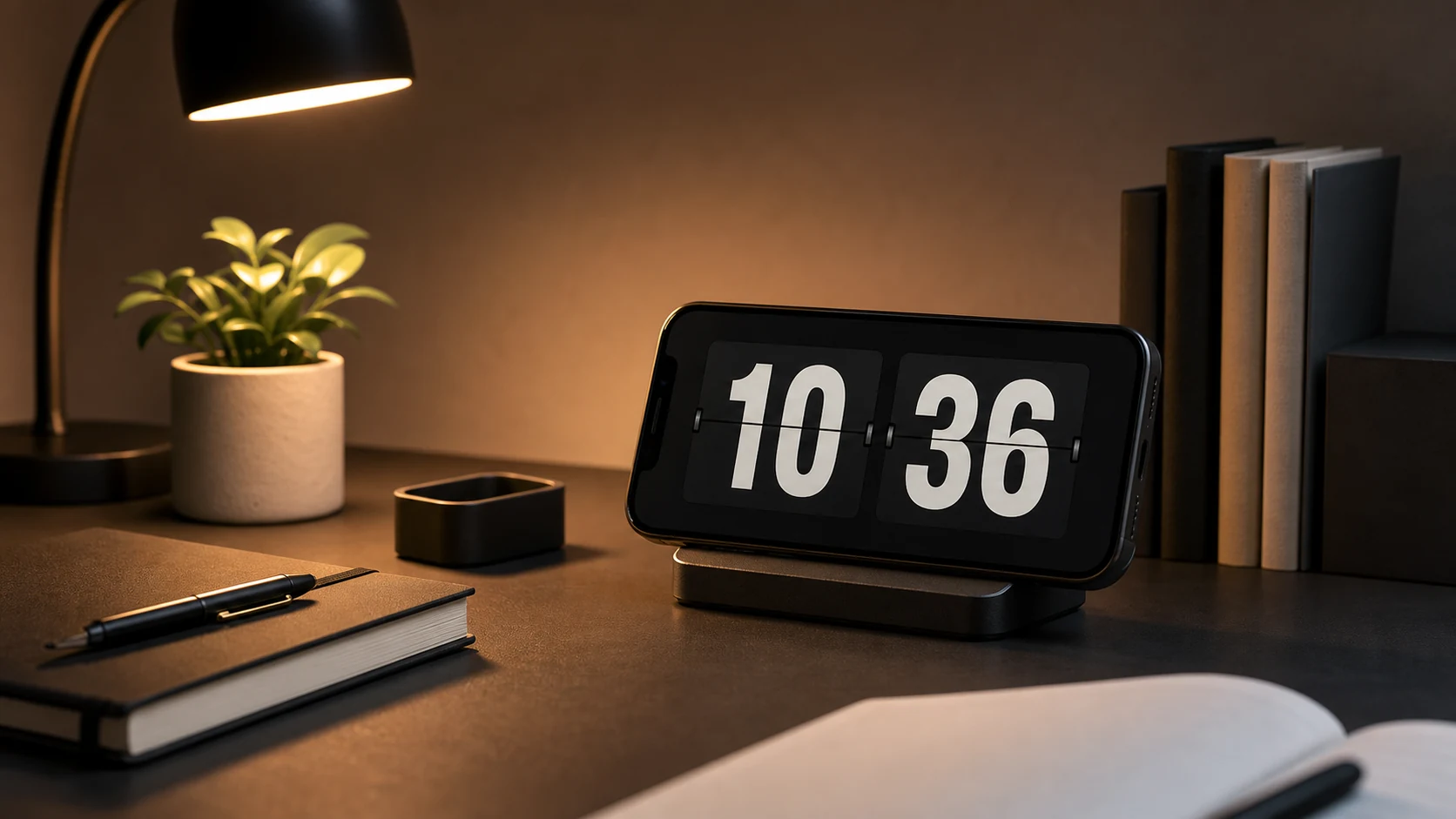
Here is the version of a clock loop that everyone writes first:
while (running) {
    render(now())
    delay(1000)
}
It looks correct. It is wrong in three separate ways, and each one produces a symptom that someone eventually writes to us about.
Sleeping for a second does not put you on the second
delay(1000) does not wait exactly one second. It waits at least one second, plus whatever scheduling delay the system adds, plus however long your render took. Each iteration accumulates a little more lateness than the last.
Start that loop at 12:00:00.400 and it renders at .400 every time — the digits change four tenths of a second after the actual second boundary. Nobody notices four tenths. Over hours, the drift grows, and eventually the display is changing closer to half a second late, which people do notice when there is another clock in the room.
The fix is to schedule to the boundary rather than by interval. Work out how many milliseconds remain until the next second, wait that long, render, and recompute. Errors do not accumulate because every wait is calculated fresh from the current time.
val now = System.currentTimeMillis()
val untilNextSecond = 1000 - (now % 1000)
delay(untilNextSecond)
Same idea for a display that only shows minutes: align to the minute boundary, not to a sixty-second interval.
For minutes, the system already does this
If your clock does not show seconds, there is a better mechanism than any loop. Android broadcasts ACTION_TIME_TICK once a minute, aligned to the minute boundary, to receivers registered in code. It is delivered by the system, it costs you nothing when nothing is happening, and it is already aligned.
It comes with three siblings that matter more than the tick itself:
ACTION_TIME_CHANGED fires when the system time is set — by the user, or by a network time sync. Without handling it, your clock keeps showing the old time until its next scheduled update. A clock that is wrong for a full minute after the phone corrects itself is a clock that people stop trusting.
ACTION_TIMEZONE_CHANGED fires on a timezone change. This is the one that produces the most confusing report: someone lands after a flight, their phone updates, and the clock app is an hour off until the next minute rolls over.
ACTION_DATE_CHANGED matters if the display includes a date, which ours does.
None of these are frequent. All of them occur exactly at moments when the user is paying attention to what time it is, which is why getting them wrong is disproportionately visible.
The third mistake: rendering on time and animating late
The flip animation is the app's whole visual identity, and it introduced a problem the loop above does not have.
If the animation *starts* on the second boundary, the digit is only fully changed some frames later. The clock reads the old value for a moment after the moment it stopped being true. Small, and on a large display where the animation is a substantial visual event, it is noticeable.
The animation now finishes on the boundary rather than starting on it. The flip begins slightly early so the new digit lands exactly when it becomes correct. This is the sort of detail nobody consciously registers and everybody feels — an analogue clock with a sweeping second hand feels right for the same reason.
Variable refresh rate made this fiddlier than expected. Many phones move between refresh rates depending on content, and an animation with a duration expressed in frames rather than time behaves differently at 60 Hz and 120 Hz. Durations are in time, and the animation is driven by the frame callback rather than a fixed frame count.
Setting up the device
The engineering only matters if the clock is somewhere useful. Most of what makes a phone-as-desk-clock work is placement.
Put it where you can see it and cannot comfortably reach it. This is the whole trick. A phone within arm's reach gets picked up, and a phone in your hand is not a clock. Slightly too far to grab without standing is right.
Off to one side, not centred. You want the time available in peripheral vision, not occupying the middle of your field of view. A clock you keep looking at directly is a clock that is interrupting you.
Set brightness from your seat. Not while holding the phone during setup. Sit where you normally sit, and turn it down until it is comfortable there. It will be lower than you expect.
Check for glare from where you sit. A perfectly readable display from directly in front can be a mirror from a chair two metres away. Rotate the stand a few degrees.
Do Not Disturb, if this is also your phone. A clock that shows message previews to the room is not a clock, and in a shared space it is a privacy problem.
Plug it in. Screen-on is not a battery-friendly state. Assume a clock is a charging clock.
Using it as a focus boundary
A clock and a timer solve different problems, and the clock is underrated for this.
A timer answers "how much longer." A clock answers "what time is it," and some tasks are governed by a wall-clock deadline rather than a duration — leaving for a bus, a meeting starting, food that goes in at a particular time, a call at three.
The habit that works is deciding a wall-clock boundary before starting and then not renegotiating it. "I will work on this until 3:30." The clock holds the boundary so you do not have to keep asking. This is less structure than a focus app and more than nothing, which for a lot of work is the right amount.
For shared spaces the same property is what makes it useful. A visible clock in a meeting, a rehearsal, a study group, or a classroom means nobody has to pull out a personal phone to answer "how much time do we have." Use a device that is not receiving anyone's messages.
After an update, look from your chair
The one thing worth checking after any update to a display app: look at it from where you actually use it. Not from arm's length while holding the phone.
Digit size, spacing, contrast, and brightness all read differently at two metres than at thirty centimetres, and a display app is judged entirely at the distance it is used from. If something changed and it no longer reads cleanly from your seat, that is the moment to adjust, rather than living with it slightly wrong for a month.