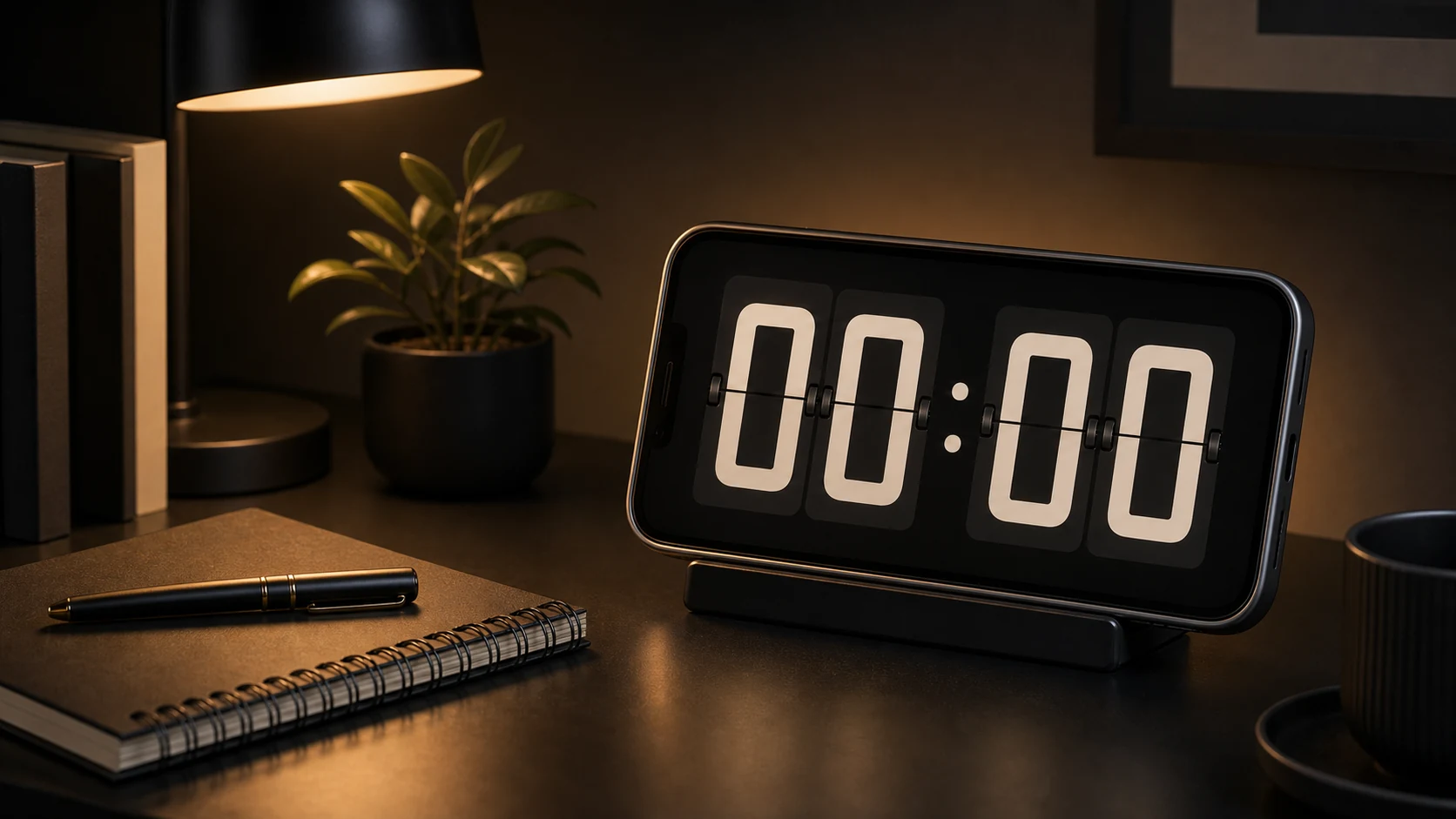
Someone wrote to us with a photograph of their phone's home screen. Faintly visible across it, in the shape of large digits, was a ghost. They had been using an old device as a permanent bedside clock for several months, and the clock had left a mark.
It was our fault. Not a bug in the usual sense — the app did exactly what it was written to do. What it was written to do was display bright, static, high-contrast digits at fixed screen coordinates for hours on end, which is a reasonable description of how you damage an OLED panel on purpose.
What burn-in actually is
OLED pixels are individually lit and they age with use. A subpixel driven bright for a long time loses some of its output permanently. Display a static bright image for long enough and the aged pixels stay visibly dimmer than their neighbours forever, in the shape of whatever you were showing.
The variables are brightness, duration, colour, and position. All four are things a clock app controls, and the naive version of a clock app maximises all four at once: pure white digits, at high brightness, in the same place, all night.
The 88:88 shape in that photograph is the union of every digit the clock had displayed. Segments that appear in most digits aged the most.
LCD panels do not have this failure mode, and plenty of phones used as desk clocks are old enough to be LCD. But we cannot assume that, and the devices where this matters most are exactly the ones people repurpose: an old flagship with an OLED panel and a battery that no longer holds a charge, given a second life on a desk.
What we changed
Pixel shift. The clock moves. Not visibly — the whole layout translates by a few pixels on a slow schedule, so no subpixel sits under a bright element indefinitely. This is the same technique televisions use for static channel logos. It costs nothing, it is invisible in use, and it is the single most effective mitigation.
No pure white by default. The brightest element on screen is a light grey rather than #FFFFFF. On an OLED panel the difference in perceived readability is small and the difference in pixel drive is not.
Dark background, genuinely black. On OLED, a black pixel is an unlit pixel. It ages at zero rate and draws no power. A dark-background clock is better for burn-in, better for battery, and better to look at in a dark room. This is one of the rare cases where the three goals point the same way.
Night dimming. Below a threshold the app reduces its own brightness further and lightens the digits less, so a bedside clock at 3 a.m. is not running the panel hard.
A warning where it belongs. If you enable keep-screen-on for extended periods on a device we believe has an OLED panel, the app says so once, in plain language. Nobody reads settings screens, but people do read a sentence that appears at the moment they turn something on.
We cannot eliminate the risk. An app whose purpose is to show you the time continuously will always be displaying something continuously. What we can do is make the default configuration the safe one, which it previously was not.
Brightness is a window property, not a system setting
A clock needs to be readable in a bright room and unobtrusive in a dark one, and those are different brightness levels.
Android lets an app set brightness for its own window through the window layout parameters, on a scale from 0 to 1, with -1 meaning "use the system setting." This is per-window: it applies while your activity is in front and reverts when it is not. It does not require the permission needed to change the device's global brightness, and it does not leave the user's phone dimmed after they close the app.
That last point is why we use it. An app that changes the system brightness and forgets to change it back is a genuinely annoying bug to be on the receiving end of, and window-level brightness makes the class of bug impossible.
The app exposes its own brightness control rather than deferring to the system slider, because the correct brightness for a clock is not the correct brightness for reading, and switching between them by hand every time is friction that ends with people leaving it too bright.
Keeping the screen on, and the heat that follows
Continuous display uses the window flag that prevents the screen timing out. Straightforward, and it has two consequences worth knowing about.
The first is power. A phone with its screen on indefinitely will discharge, and if it is not plugged in it will be flat by morning. Our answer is not clever: the app assumes a clock left running is a clock left charging, and it says so.
The second is heat, and it is the one people do not anticipate. A phone on a charger, screen on, in a closed case, on a stand with no airflow, gets warm. Sustained heat is worse for a lithium battery than cycling it. If you are repurposing an old phone as a permanent clock, taking the case off is the single most useful thing you can do for it, and standing it somewhere with air around it is the second.
We do not throttle or dim on temperature. It is technically possible and it would mean a clock that goes dark for reasons the user cannot see, which is worse than a clock that gets warm.
Setting up a device as a clock
Use a device that is plugged in. Not "usually plugged in." A clock that dies overnight is not a clock.
Take the case off if it is a permanent installation. Airflow matters more than protection for a device that lives on a shelf.
Put it where you can see it and do not want to touch it. This is the actual point of the app. If the phone is within arm's reach on your desk, you will pick it up, and then you are not looking at a clock any more, you are looking at your phone. Slightly too far to reach comfortably is exactly right.
Turn on Do Not Disturb if it is also your daily phone. A clock that shows a message preview is not a clock.
Set brightness from where you actually sit. Not from directly in front of the phone while setting it up. Readability from your normal seat is the only measurement that matters, and it is usually lower than you would guess.
Prefer an old phone. This is the app's best use case. A device with a degraded battery is fine for something permanently on a charger, and dedicating it to one job avoids the whole problem of a clock that is also an inbox.
Where a phone clock is the wrong idea
If a device will be displaying a clock continuously for months, and it has an OLED panel, and you want it bright, you are going to get some degree of burn-in eventually. Our mitigations slow this down considerably. They do not repeal physics.
For a genuinely permanent installation at high brightness — a shop counter, a studio, a room where it runs twelve hours a day at full output — a cheap dedicated clock is the better tool, and we would rather say that than sell someone a slow way to damage a screen.
For the ordinary cases, a desk during work hours, a bedside table at night, a kitchen counter while cooking, the defaults handle it.