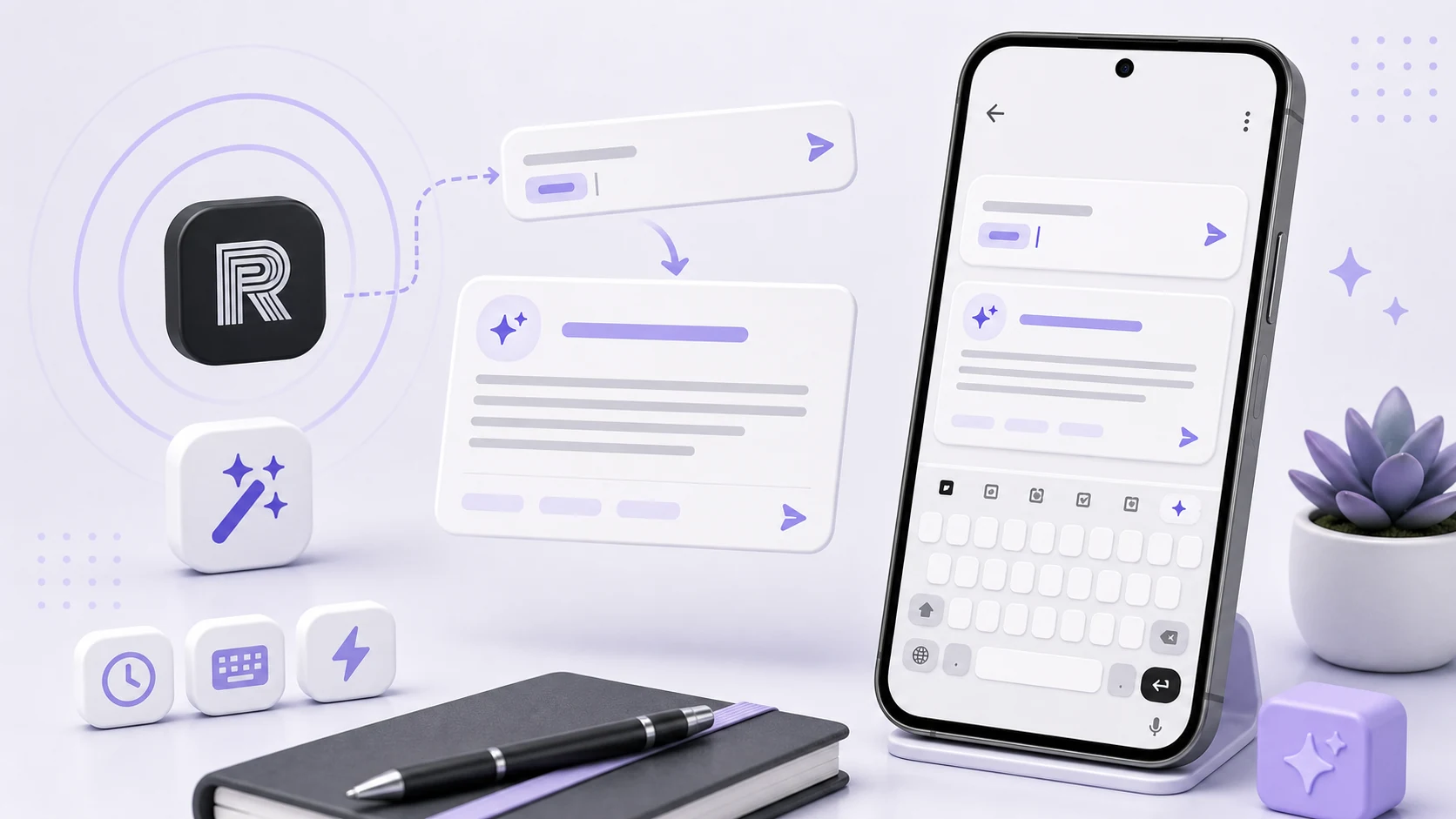
Text expansion sounds like a keyboard feature and is not one. Text Shortcuts is not a keyboard — you keep the keyboard you like — which means it has to change text inside a field that belongs to some other application.
The mechanism for that is Android's accessibility framework, and its text action is blunter than the job requires.
The action replaces everything
The available action sets the text of a node. Not a range of it. All of it.
So expanding a trigger is not "replace these five characters." It is:
- Read the field's entire current contents.
- Find the trigger inside that string.
- Build a new string with the trigger swapped for the expansion.
- Write the whole new string back.
- Restore the cursor, which the write has just moved to somewhere unhelpful.
Every one of those steps has a failure mode, and the failures are not symmetric. A failure at step one gives you an empty string — and if you proceed, step four writes an empty string over whatever the user was typing.
That is the bug we shipped. In apps where the field's text could not be read through the accessibility node, we read nothing, treated it as an empty field, and cleared it. Someone typing a long message would hit their trigger and watch the message vanish.
The fix is the obvious guard once you have seen it happen: if the field does not report its contents, do nothing at all. An expansion that silently fails is a minor annoyance. An expansion that erases a paragraph is not something you get forgiven for.
The fields that do not cooperate
Once we started checking rather than assuming, the categories became clear.
Password fields deliberately do not expose their contents. This is correct behaviour and we skip them entirely — we do not expand into a field marked as a password, even if it were possible, because an app that types into password fields is an app nobody should install.
Some web content and some UI toolkits present a node that reports no editable text or rejects the set-text action. There is no reliable way to know in advance; you attempt it and check the result.
Fields that reformat as you type — phone numbers, card numbers, amounts with separators — will rewrite whatever you set, sometimes into something quite different. We do not expand into fields that show these characteristics.
Multi-window and floating contexts can leave you holding a node reference that no longer corresponds to what is on screen.
The rule that emerged: verify after writing. Read the field back and confirm it contains what you intended. If it does not, restore what was there before. This doubles the work per expansion and it is cheap in human terms, because an expansion happens a few times an hour rather than a few times a second.
Composition, again
The other failure took longer to understand and produced the strangest reports: an expansion that appended a stray syllable, or duplicated the last character of the trigger.
Korean, Japanese, and Chinese input methods assemble characters over several keystrokes, and the in-progress character sits in a composing region that the input method owns and tracks by position. If you rewrite the field's text while a composition is active, the input method's idea of where its composing text lives is now wrong, and its next commit lands in the wrong place — appending, duplicating, or overwriting.
Triggers ending in a Latin character mostly avoided this, because a Latin keystroke commits immediately. Triggers ending in Hangul hit it constantly, which is why it looked like a Korean-specific bug rather than a general one.
The handling is to make sure any in-progress composition is finalised before the field is rewritten, so the input method has committed what it had and released its claim on that region. After that the write is an ordinary write.
We test with a Korean input method as standard now. Testing text manipulation with one input method is testing one input method.
Detecting a trigger without watching everything
An accessibility service that can read text in other apps is a serious capability, and how you use it is a design decision with consequences beyond correctness.
Text Shortcuts watches for text change events in editable fields, looks at the recently typed characters for a trigger match, and does nothing otherwise. It does not accumulate what you type, does not store field contents, does not send anything anywhere, and does not retain text between events. Matching happens on the tail of the field, against your own list of triggers, in memory, and is discarded.
This is worth stating plainly because the permission the app asks for would allow much more, and a user has no way to verify our claim from the outside. The best we can offer is a clear statement of what the service does and an app that has no network permission to send anything with.
The corollary for users: an accessibility service is a real grant. Text Shortcuts is not the only app that will ask for it, and the question worth asking of any of them is what the app does with the capability and whether it has any way to transmit what it sees.
Writing triggers that behave
Never use a real word. A trigger that appears in ordinary writing will fire during ordinary writing, mid-sentence, and you will not always notice. This is the single most common cause of "the app did something weird."
Use a consistent prefix. A leading character you would not otherwise type — a semicolon, a double slash, a period — turns the entire trigger namespace into something that cannot collide with normal text. Everything after it can then be short and memorable.
Group by prefix within that. All address shortcuts starting the same way, all support replies starting another way. The naming scheme is most of what makes a library usable, because you have to recall the trigger under time pressure without looking it up.
Keep triggers short but not one character. Two or three characters after the prefix is the sweet spot. A one-character trigger saves nothing over typing and collides with itself as the library grows.
Test a new shortcut in a harmless field. A notes app, a search box. Not in the message you are about to send.
Start with what you already repeat
Do not build a library speculatively. Look at what you actually typed last week — messages, forms, work chats — and find the repeats. They are usually addresses, delivery instructions, bank details, the same explanation you have given twenty times, a polite decline, and a greeting.
Five shortcuts you remember beat fifty you do not. Add more once the first few are automatic.
And review them when the underlying facts change. An address shortcut that expands to where you used to live is worse than no shortcut, because it is fast, confident, and wrong.