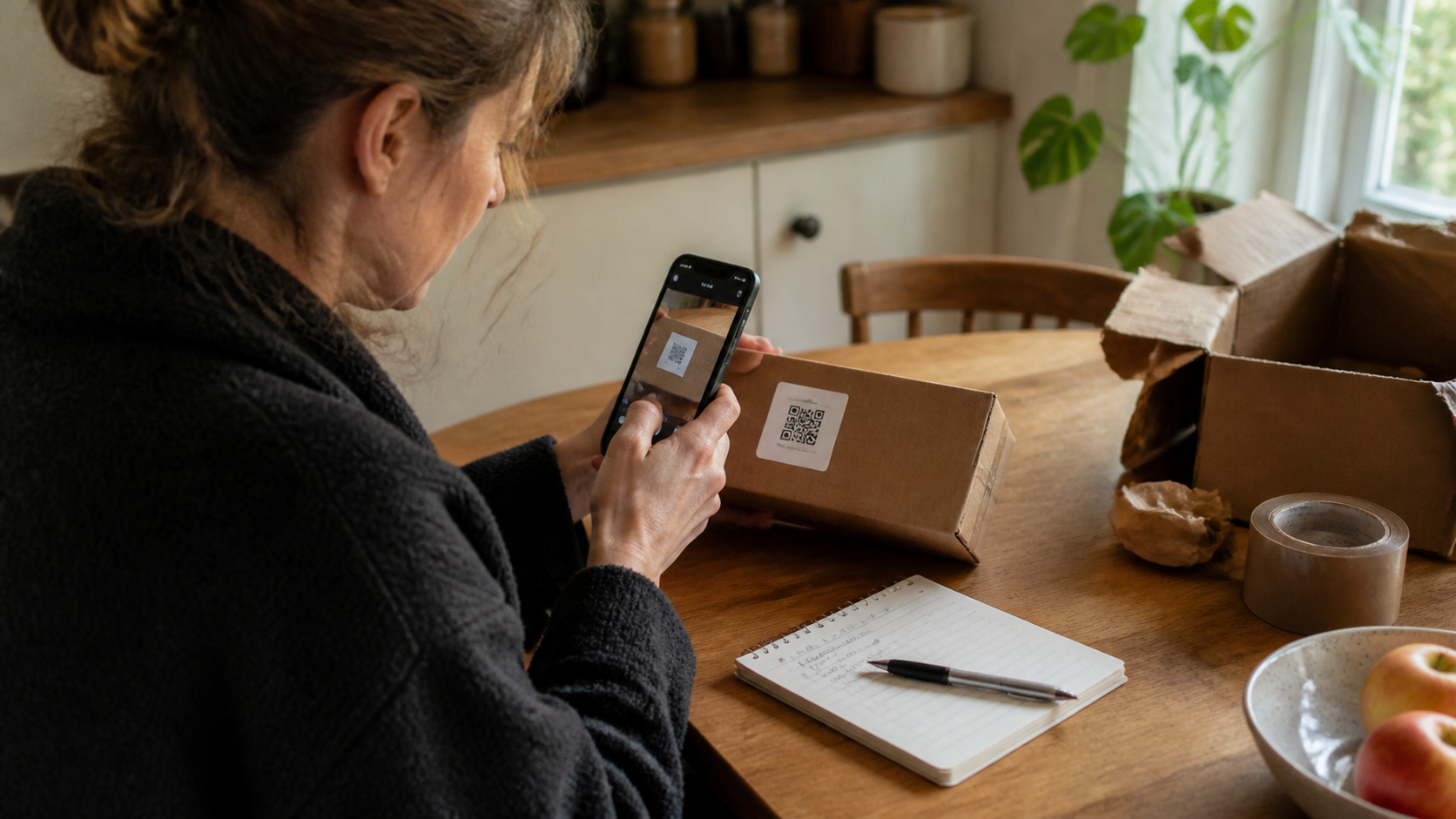
The obvious design for scan history is to store every scan. It is the easiest thing to build, it is what users say they want when asked, and it is wrong in a couple of specific ways that only become visible once people have been using the app for a while.
This release is mostly about what does not go in.
Credentials do not go in history
Some codes carry a secret in plain text, and putting those in a searchable list on the device converts a momentary convenience into a stored credential.
Wi-Fi codes. The payload is a structured string containing the network name, the security type, and the password, unencrypted. Scan one at a café and the password is now in your history, readable, indefinitely.
Authenticator setup codes. Adding two-factor authentication by scanning transfers a shared secret in the URL. That secret *is* the second factor — anyone with it can generate valid codes forever. Keeping it in a scan history is keeping a copy of the credential next to the device that is supposed to protect the account.
Both are now excluded by default. The scan works, the result is shown, the action is available, and nothing is written down. The convenience of finding a café's Wi-Fi password again next week is not worth the storage model it implies, and for an authenticator seed it is not close.
Payloads containing what look like account identifiers or payment instructions are flagged rather than excluded, because the line there is genuinely blurry and we would rather mark them for the user's own cleanup than make the decision for them.
Repeated scans of the same thing collapse
The other thing that ruins a history is volume, and most volume is duplication.
Scanning a parcel label three times while working out whether it is the right box produces three rows. So does checking a product code twice in a shop. Over a few months this is most of the list, and a list that is mostly duplicates is one you stop searching.
Identical values scanned close together now fold into a single entry with a count and the most recent time. The same value scanned weeks apart stays separate, because that is a genuinely different event — you were looking at the same product in a different context, and the gap is information.
The threshold is time-based rather than a fixed count, and the entry keeps every timestamp underneath so a collapsed row is still a record of when each scan happened.
The result screen is a step now
The camera used to hand off and get out of the way. Decode, show the result briefly, move on.
That was the wrong shape, because for most codes the scan is not the task. The task happens a minute later, with the parcel open, or in front of the shelf, or once you have decided whether the link is worth opening. A result screen that flashes past forces a decision at the moment you have the least context.
The result now waits. It shows what type of payload was found, the full content, the destination separated out for links, and the actions that make sense for that type. Nothing happens until you choose something.
For links, this is also the security step: the address is displayed with its actual registered domain distinguishable from the surrounding text, and a warning when a domain uses characters that can mimic Latin letters. A code can contain any address, and the result screen is the only place where a person can see which one it contains before a browser opens it.
Retention, and why it is not forever
History has a retention window, and it is on by default.
The reasoning is the same as for credentials, one step weaker. Scanned codes are attached to places and objects: a menu, a parking meter, a museum label, a parcel from a specific sender, a code on an office door. A long history is a rough itinerary of where you have been and what you were looking at, and very little of it stays useful.
So entries expire, saved entries do not, and saving is one tap. This inverts the default from "everything is kept unless you delete it" to "things are kept because you decided they mattered", which for this kind of data is the right way round.
The cleanup reports what it removed. Silent deletion produces users who do not trust the history, and a history nobody trusts gets kept forever just in case.
Using it well
Save the ones you will need away from the code. A parcel label you will want during a return, a product code to compare elsewhere, a reference from a printed notice. The common case for history is that the physical thing carrying the code is gone — thrown away, posted back, left behind.
Check the result before acting, particularly for links. The domain, not the text printed next to the code. Stickers applied over existing codes are common on parking meters, delivery lockers, and public notices, and they are the reason this step exists.
Do not rely on a stored code for anything time-sensitive. Tickets, session passes, and validity-limited codes are snapshots. Scan fresh.
Clear what is finished — the menu, the delivered parcel, the event that happened. Or let retention do it.
What we did not do
We do not check scanned URLs against any reputation service, and we do not intend to. Doing so means sending every scanned link to a server, which would make the app a log of everything you scan held somewhere other than your phone. That is a worse privacy position than the risk it addresses, and it is not a trade we are willing to make on a user's behalf without them knowing.
Showing the truth about a destination clearly, and not opening anything without a decision, is the whole intervention. It is less than a reputation service would offer and it costs nothing.