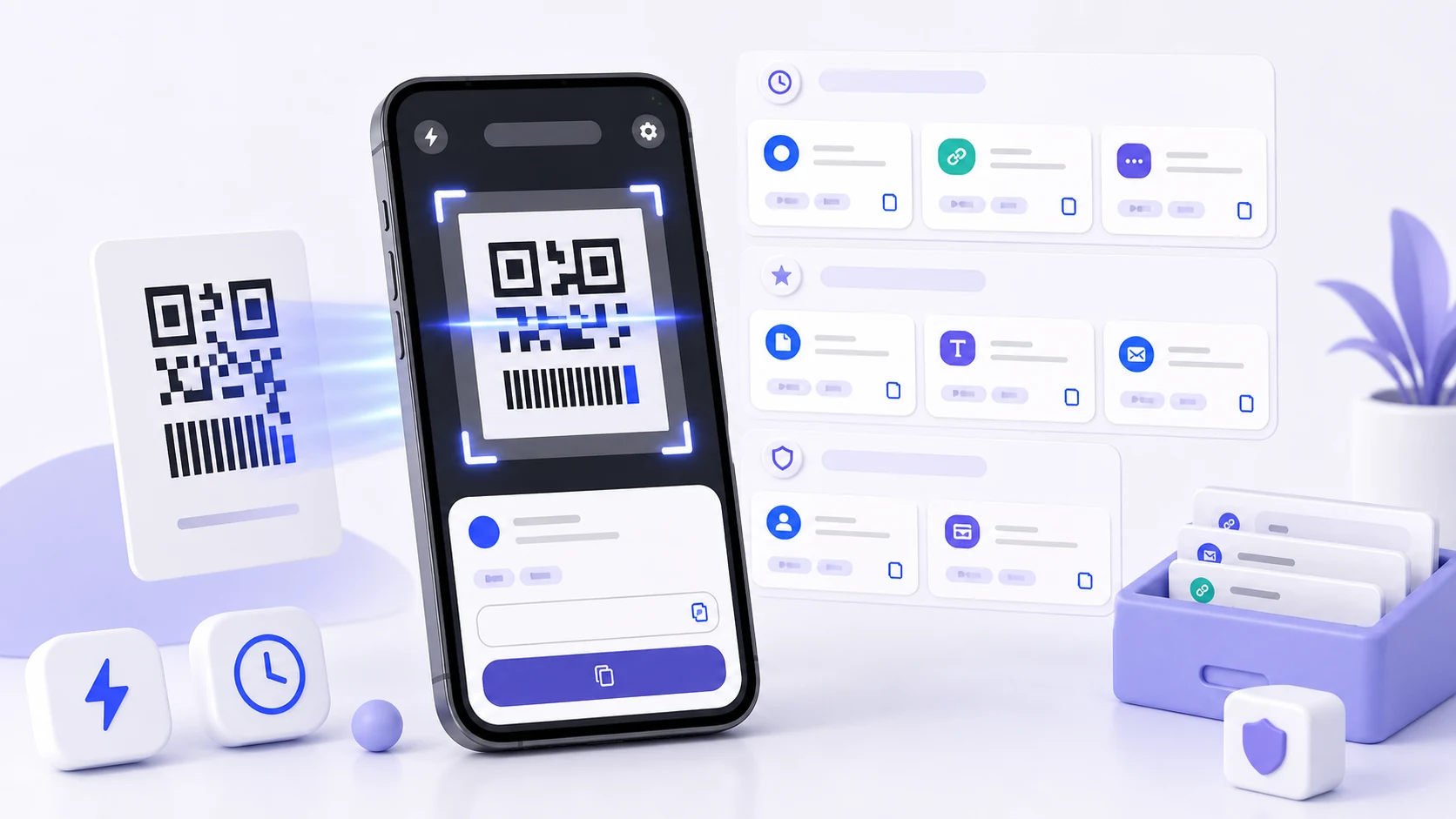
A QR code contains a string. Nothing in the code, and nothing in the act of scanning it, tells you anything about where that string came from or whether it is what the surrounding printing claims.
This is obvious when stated and easy to forget in practice, because a code is physically attached to something — a table, a poster, a parcel — and the physical attachment feels like provenance. It is not. A sticker costs nothing and can be placed over an existing code.
Why we do not open links automatically
The earliest version of the app opened URLs as soon as it decoded them. It was faster and everybody hated it, including us, once we thought about what it meant.
Auto-opening removes the only moment at which a person can evaluate a destination. You point a camera at something and a browser loads a page you never saw the address of. If the code was replaced, or was never what it appeared to be, the first thing you know about it is the page.
Now the result is displayed and you act on it. The extra tap is the feature.
Lookalike domains, and what punycode is
The specific risk worth explaining, because most people have not seen it.
Domain names can contain non-Latin characters. They are transmitted in an encoded form beginning with xn--, and displayed to users in their readable form. This is a genuinely good feature that lets people have domains in their own scripts.
It also means a domain can be registered using characters that render identically, or near-identically, to Latin ones. Cyrillic and Greek have letters that are visually indistinguishable from Latin letters in most fonts. A domain built from them displays as something you recognise and resolves somewhere else entirely.
You cannot see this. There is nothing to notice. The rendered text is the same rendered text.
QRScanner shows the encoded form alongside the readable one when a domain contains non-ASCII characters, and flags it. If a scanned link claims to be a bank or a delivery service and the app is showing you an xn-- prefix, the domain is not what it appears to be.
The other display tricks we surface: a long subdomain chain arranged so the recognisable name appears early and the actual registered domain is far to the right, and userinfo before an @ in the URL, which puts arbitrary text where the domain looks like it should be. Both are shown with the actual destination separated out rather than left as a wall of text.
We do not maintain a reputation service or block anything. That would require sending scanned URLs somewhere, and a scanner that reports every code you read to a server is a worse privacy proposition than the thing it protects against. Displaying the truth clearly is the whole intervention.
Codes are not always links
The payload types you meet in ordinary life, and what each one means:
A Wi-Fi credential. A structured string containing a network name, a security type, and the password in plain text. Scanning one and letting a phone join a network is convenient, and it also means the password is now in your scan history in readable form.
An authenticator seed. Setting up two-factor authentication by scanning a code transfers a shared secret in the URL. That secret is the second factor. A copy of it in an app's history is a copy of the credential.
A contact card. A whole vCard — name, phone, address, employer.
A calendar event, a location, a phone number, a pre-filled message. Each of these hands an action to another app with parameters you did not type.
A payment instruction. Depending on the scheme, this can be an amount and a recipient. This is the category where the surrounding context matters most and where a replaced sticker is most profitable to whoever replaced it.
QRScanner labels what it found rather than presenting everything as text, because "this is a Wi-Fi password" and "this is a link" call for different reactions. Credential-bearing payloads — network passwords, authenticator seeds — are excluded from history by default. The convenience of finding it again later is not worth storing a credential in a searchable list.
Where trust actually comes from
Context does the work that the code cannot.
Is the code where it belongs? A menu code printed onto a laminated table card is different from a sticker applied over one. Stickers on top of printed codes are the single clearest warning sign, and they are common enough on parking meters, delivery lockers, and public notices to be worth a glance.
Does the destination match the situation? A restaurant's code should lead to that restaurant. A parcel code should lead to the courier who has your parcel. A poster for a local event should not lead to a login page.
Was it unsolicited? A code in an unexpected letter, an email, or a message from a number you do not know deserves the same suspicion as a link in the same place. A code is a link that you cannot read before clicking, which is worse.
Does it want credentials? If a scanned code leads to a page asking you to sign in, stop and reach the service the way you normally do. This is where the actual losses happen, and reaching a login through your own bookmark costs ten seconds.
Keeping history useful
History earns its place when you need a result away from the original code, which happens more than you would expect: a parcel label you want during a return, a product code to compare in a shop, a link you could not open at the time.
Review while the context is fresh. Several scans from one afternoon look identical a week later. If one of them matters, it is worth a moment now.
Clear what is finished. A menu you scanned once. A code from a package that has arrived. A tracking number for a completed delivery.
Remember what the list is. Scan history is a record of where you have been and what you were looking at. Codes are attached to places, and a list of them is a rough itinerary. On a shared or unlocked phone that is worth keeping short.
Trust a saved result less than a fresh scan for anything time-sensitive. A stored code is a snapshot. Tickets, session-based passes, and anything with a validity window may have moved on.
What we would like to do better
The lookalike-domain warning is currently a technical statement — here is the encoded form of this domain — and it requires the user to understand what that means. A clearer version would say plainly that the domain contains characters that mimic Latin letters. Writing that in a way that is accurate, brief, and not alarming for the many legitimate international domains is harder than it sounds, and our current wording is not good enough.