If you sort BusanBus support mail by how annoyed the sender is, the top of the list is not arrival accuracy. It is people who went the wrong way.
They searched a stop name, tapped a result, saw a bus arriving in four minutes, walked outside, boarded, and ended up heading away from where they were going. From the app's point of view nothing failed. It showed accurate arrival data for the stop that was requested. The stop that was requested was the wrong one.
Names are not identifiers
A Busan bus stop has a name and an ARS number — the short code printed on the physical sign. The ARS number is unique. The name is not, and it is not even close.
A single intersection can have four or more stops carrying essentially the same name, differing by direction and by which corner they sit on. Large interchanges are worse. Names also collide across the city, because plenty of neighbourhoods have a stop named after the same category of landmark.
Our original search treated the name as the thing the user was looking for and ranked results by string similarity. That is exactly wrong. When a query matches six stops with the same name, string similarity has nothing left to discriminate with, so the order came down to whatever the underlying data returned first — which is stable, arbitrary, and just consistent enough that users assumed it meant something.
What we changed in search
The fix was to stop trying to pick a winner and start showing the difference.
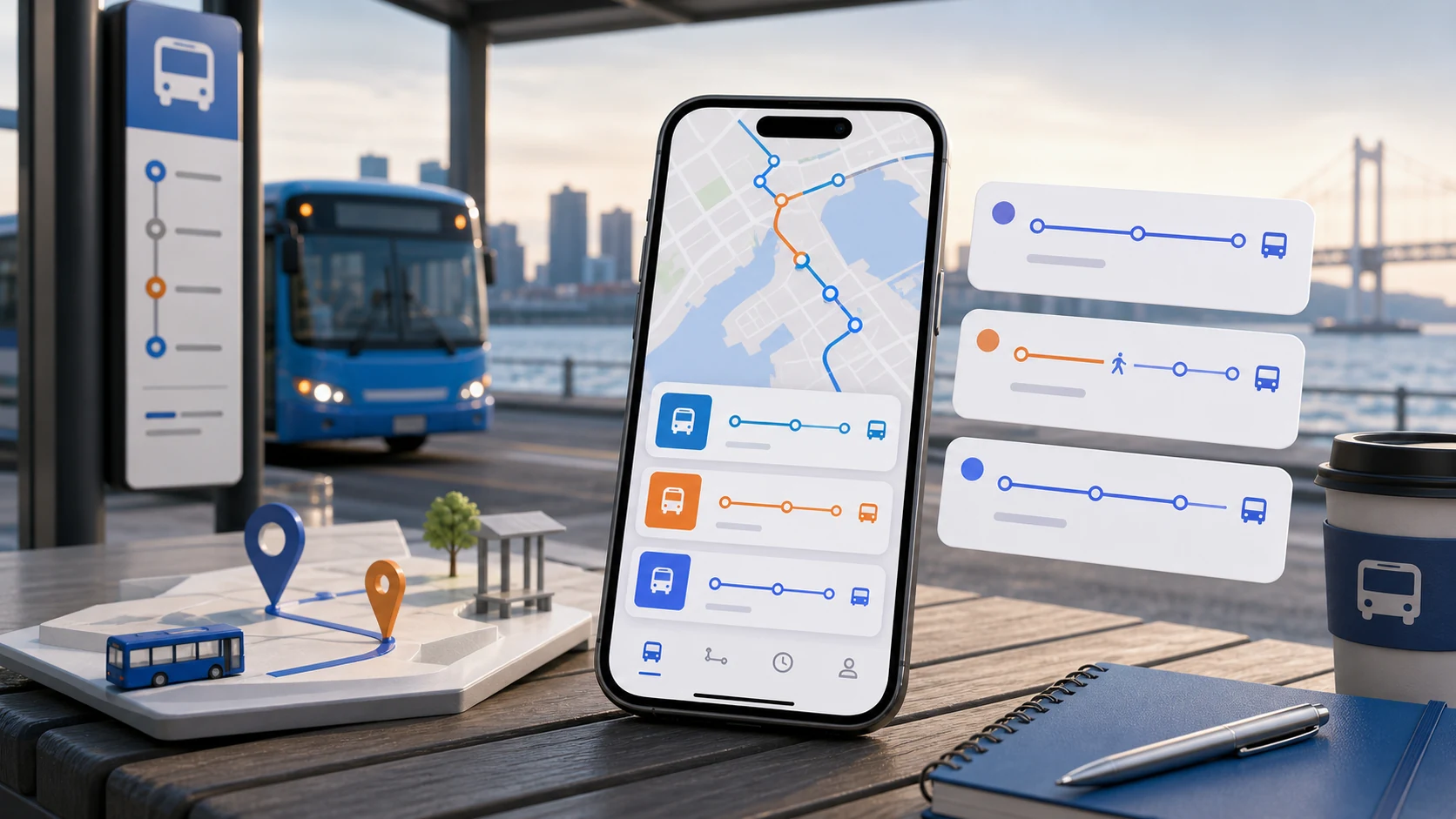
Colliding names are never collapsed. An earlier version deduplicated results that shared a name, on the theory that six identical rows looked like a bug. Six identical rows *were* a bug — not because there were six, but because they were identical. Now each result carries its direction and enough location context to tell them apart, and the list is grouped so it is obvious that these are variants of one place rather than six different places.
Direction is shown as a destination, not a code. The underlying data expresses direction in terms that make sense to a system and not to a person standing on a pavement. Showing the direction as "toward *somewhere you have heard of*" is the single change that reduced wrong-direction reports the most.
Proximity ranks above string match when we have location. If two stops share a name and one of them is thirty metres away, that is the one the person means. This required being careful about the case where we have a coarse location fix — Android lets users grant approximate location only, and ranking confidently on a fix with a large radius produces confident mistakes.
Recently used stops rank first. Most searches are for a place the user has been before. This is not clever, and it removed a surprising share of the remaining errors.
The favourites bug
While we were fixing search, we found a worse problem underneath it.
Favourites had been stored by stop name plus route number. This was a decision made early, when the data model was simpler, and it had a consequence nobody noticed for a long time: two stops on opposite sides of the same road, serving the same route, produced the same favourite key.
So a user who saved their morning stop and then saved their evening stop did not get two favourites. The second save overwrote the first, or matched it and appeared to do nothing. Then, on some path through the app, opening the favourite resolved back to whichever stop the lookup found first — which was not necessarily the one they had saved.
People had been reporting this for months in terms we did not recognise. "My favourite goes to the wrong stop sometimes." We had been reading that as a search problem.
Favourites are now keyed on the ARS number, which is the actual identity of a stop. The migration had to handle existing favourites that were ambiguous by construction: where a saved favourite could resolve to more than one stop, we could not silently pick one, so the app asks once, showing both options with their directions and locations. It is an interruption, and it is better than continuing to guess on the user's behalf.
The routine that removes the remaining guesswork
Software can improve the odds. A short habit removes most of what is left.
Verify the ARS number once per stop. The first time you use a stop, compare the number on the physical sign with the number in the app. Five seconds, once, and that stop is settled forever. This is the highest-value habit in the entire app and almost nobody does it unprompted.
Save stops, not routes. A route is how the network is organised. A stop is where you stand. A favourite built around a route makes you re-choose a direction every single time.
Save the return trip as a separate favourite. Your morning stop and your evening stop are different stops with different ARS numbers. Name them for the trip — "to work", "home from work" — rather than for the place, because you are choosing between your own items and the name should describe intent.
Check before you leave, not after you arrive at the stop. The useful question at home is "leave now or in five minutes." The useful question at the stop is "is this still the plan." Those are different checks and neither of them requires refreshing continuously.
Know one backup. Not a full alternative plan — just one other route or one other stop that gets you close. Having a backup in mind is what lets you stop checking every option, because you have already decided what happens if the first choice falls through.
Transfers are where the direction problem repeats
Everything above applies twice at a transfer, because you are choosing an unfamiliar stop under time pressure.
The useful move is to check the next leg before you get off the first bus, while you are still sitting down and can read carefully. Confirm the stop and its direction first, and the arrival time second. A transfer that is two minutes slower but at a stop you are certain about beats a faster one where you are standing at an intersection trying to work out which corner you want.
Large interchanges deserve particular caution, because they are exactly where several stops share a name. This is the situation where the ARS number is worth its existence.
What is still awkward
Direction labelling depends on the destination text in the upstream data, and that text is sometimes a place name that is only meaningful to people who already know the route. We can show it. We cannot make it more informative than it is. Where a route's direction label is unhelpful, the map is doing the work, and the map requires more attention than a glance.
We also do not have a good answer for stops that have moved. Construction relocates stops temporarily, the ARS number may follow or may not, and the feed reflects it inconsistently. A favourite that quietly points at a stop that is now fifty metres up the road is a failure we currently rely on users to notice.