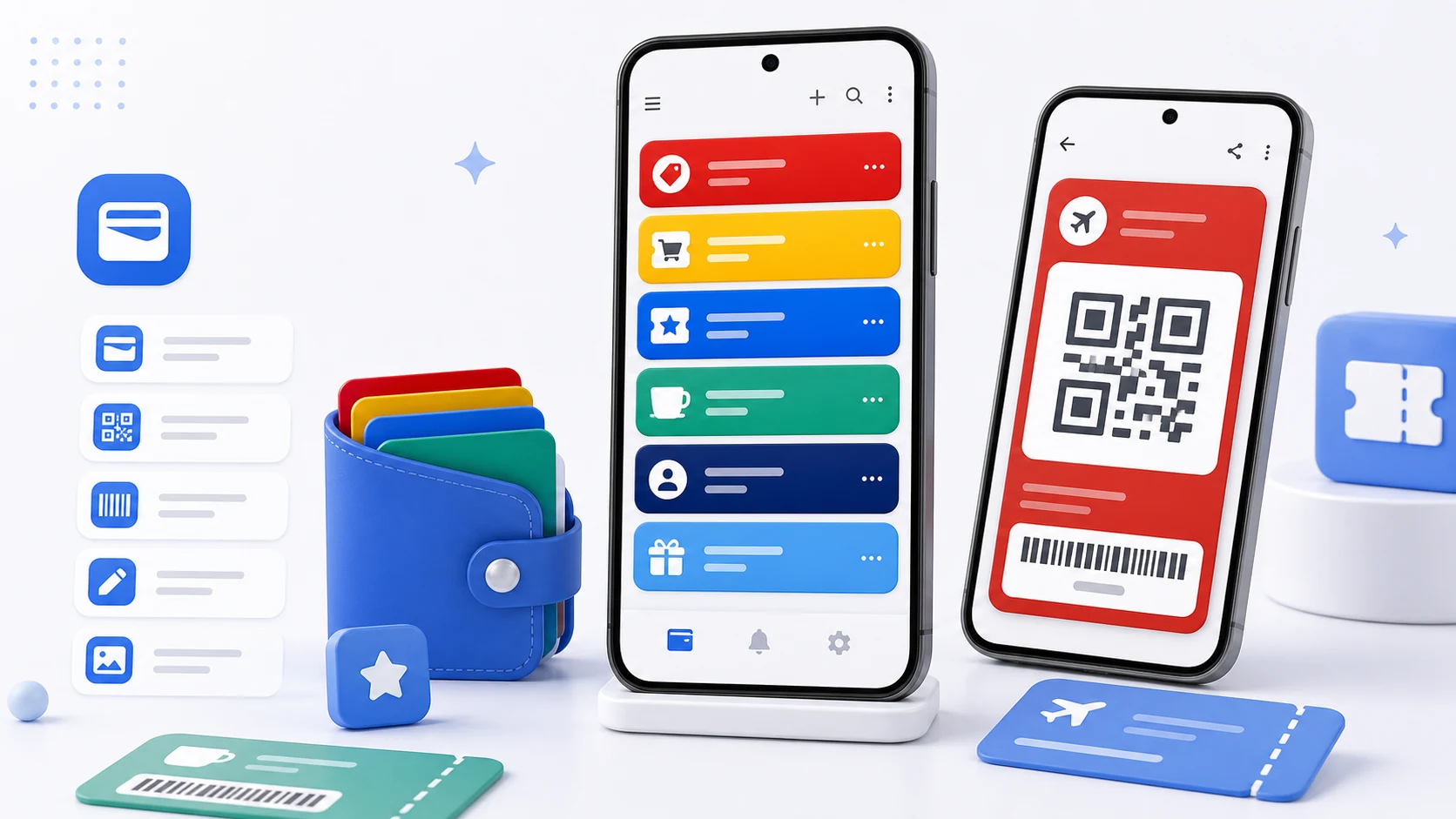
Here is a bug report that took us a while to believe. A user scanned their loyalty card into PassWallet, the number was correct, the barcode looked right, and the shop's scanner read a different number.
Not "failed to read." Read, successfully, as something else.
A barcode is a value plus a symbology
The mistake in the mental model is thinking of a barcode as a picture of a number. It is not. It is an encoding, and the encoding rules differ between symbologies in ways that change what a scanner reports.
EAN-13 and UPC-A include a check digit computed from the others. Thirteen digits, of which the last is derived. If you store thirteen digits and re-encode them as EAN-13, you are fine. If you store twelve and let an encoder compute the thirteenth, or store thirteen and let it append a fourteenth, you have produced a valid barcode for a different number.
Code 128 has three character subsets — one optimised for digits, two for text — and encoders switch between them. The same string can be encoded several ways, all decoding identically. Usually harmless, and it makes byte-level comparison of two encodings of "the same" code useless.
Code 39 in its basic form has no check digit and a restricted character set. Some readers are configured to expect a check digit and some are not, and a code that works at one counter fails at another.
ITF-14 requires an even number of digits. Give it an odd count and encoders pad, silently.
QR and PDF417 and Aztec are two-dimensional and carry arbitrary data, including a character encoding decision that matters if the content is not plain ASCII.
Our original importer scanned a card, kept the digits, and re-rendered them in a symbology we picked by looking at the length. For most codes that happened to be right. When it was wrong, the scanner obediently read the wrong thing.
What we changed
The scanner tells you the symbology of what it just read. That information was available the whole time and we were throwing it away.
PassWallet now stores the format alongside the value and renders in exactly that format. A card scanned as Code 128 renders as Code 128. A card scanned as EAN-13 renders as EAN-13, with the value stored complete, check digit included, and re-encoded rather than recomputed.
For manual entry — where there is no scanner to ask — the app asks for the format instead of guessing, with the common ones for loyalty cards presented first. Guessing from digit count is what produced the original bug, and a question is better than a wrong answer.
We also validate on the way in. If a value cannot legally be encoded in the chosen symbology — wrong character set, wrong length, failing check digit — the app says so at the point of entry rather than producing an unscannable or incorrect code that fails at a counter three weeks later.
Photographs of barcodes are not barcodes
A related thing people do, entirely reasonably: photograph their loyalty card and keep the picture.
This mostly works and it fails in a specific way. A photograph has the card's perspective, its lighting, its glare, and the resolution the camera happened to give it. A scanner at a counter reading a photograph of a barcode on a phone screen is reading a copy of a copy, and small imperfections that a human eye ignores are exactly what a decoder cannot.
A stored value re-rendered at the right size, in the right symbology, with the right margin, in pure black on pure white, scans far more reliably than any photograph. That is the case for typing or scanning the number in rather than keeping the picture — and it only holds if the value and the symbology are both right, which brings us back to the beginning.
Building a wallet you can use
Start with the passes you present regularly. A gym card, a supermarket membership, a café stamp card, a parking pass, a library card. The ones you reach for, not the ones you have.
Scan rather than type where you can. It captures the symbology, and it does not make transcription errors on a fourteen-digit number.
Name for recognition under pressure. The name is what you scan for while a queue moves. The shop's actual name beats "membership" every time, and beats a name you invented for tidiness.
Set expiry dates on anything temporary. Coupons, event tickets, promotional cards. Not for a reminder — for the list. An expired item mixed in with current ones makes every item require a moment of thought.
Use the note for conditions. "Seomyeon branch only." "Not valid with other offers." "Show with ID." These are the details that fail at a counter and are impossible to remember three weeks after the coupon arrived.
Test a new pass once, at a low-stakes moment. The first scan of a card you have just added should not be the one that matters. Present it at an ordinary purchase before you rely on it.
Where this does not work
Some passes cannot be stored, and it is better to know why than to find out at a gate.
Rotating codes. Some transit passes, event tickets, and access badges generate a code that changes on a schedule and is validated against a service. A static copy is a snapshot of something that has already expired.
Passes requiring an app. Anything where the scan is only part of the transaction — where the issuer's app also confirms something over the network — will not work from a stored code.
Codes with embedded state. A stamp card whose barcode encodes the current stamp count changes every time it is used.
The common thread is that a wallet stores a value, and these are not values, they are sessions. Where a pass is a session, keep the issuer's app.