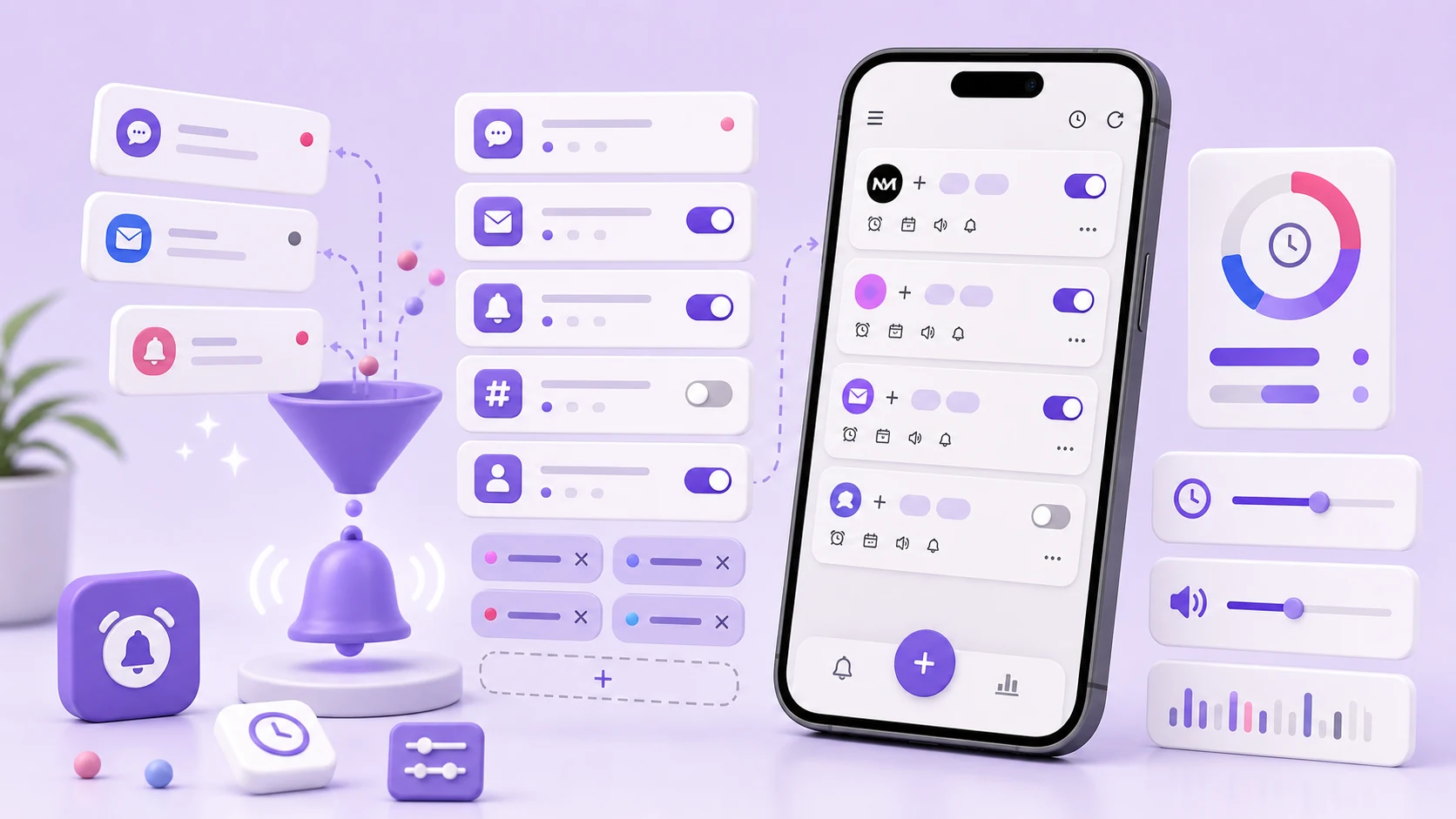
A user wrote to us about a rule that had worked for weeks and then, one night, fired forty-one times between 3:04 and 3:06 a.m. The rule was reasonable: one messaging app, one keyword, alarm sound on. Nothing about it had changed.
What had changed was the other end. The app on the sending side had started updating its notification in place as more messages arrived in a group thread, and each update re-posted the same notification. Our matcher saw forty-one posts and did what it was told forty-one times.
That is the kind of failure that makes people uninstall an app at 3 a.m., and it is worth walking through, because the fix is not "add a rate limit" — or at least, not only that.
A notification post is not an event
The mental model that causes this bug is treating onNotificationPosted as "a new notification arrived." It is not. It is "a notification with this key is now in this state." Apps re-post constantly:
- A messaging app updates a thread notification as messages arrive.
- A delivery app updates one notification through six status changes.
- A download shows progress by re-posting the same notification many times a second.
- Some apps post a placeholder immediately and re-post with real content once a network call returns.
Every one of those is a call into your listener. If your rule matches the content, it matches on every one of them.
NotiAlarm now keys matching on the notification key plus a hash of the fields the rule actually reads. The same key re-posting with the same relevant content does not re-fire. A genuinely new message under the same key does fire, but a rule can be configured to collapse repeats within a window, and for alarm-severity rules that window defaults to something long enough that a burst of updates produces one alarm.
We also added a hard ceiling that is independent of rules: no rule can raise more than a small number of alarms in a short period, full stop. If a matcher goes wrong, the failure mode should be a missed alarm, not a phone that will not stop. That ceiling has never been hit in normal use, which is exactly what a backstop should look like.
Korean keywords that do not match themselves
The second recurring matching failure is more subtle and took longer to find. A user reported that a Korean keyword rule matched some notifications from an app and not others, with text that looked identical on screen.
It was Unicode normalisation. Hangul can be encoded as precomposed syllables (NFC) or as decomposed jamo sequences (NFD). The two render identically and compare as different strings. Different apps, different libraries, and in particular text that has passed through certain iOS-origin systems can arrive in either form. A keyword typed into our rule editor on an Android keyboard is NFC. A notification body carrying NFD Hangul will not contain it by any ordinary string comparison.
We now normalise both sides to NFC before comparing. The same pass handles a few related problems: full-width versus half-width characters, non-breaking and zero-width spaces that some apps insert for layout, and case folding done with a fixed locale rather than the device locale, because doing case-insensitive comparison in the user's locale gives you the Turkish dotless-i problem for free.
None of this is visible to a user writing a rule. It is the sort of thing that should just work, and for a while it did not.
Your rule is probably reading the wrong field
The third failure class: the rule is correct, the text is correct, and the matcher never sees the text because it is not where the matcher is looking.
Android notifications store content across several extras keys depending on the style the app used. EXTRA_TEXT holds the short body. EXTRA_BIG_TEXT holds the expanded form used by long messages. EXTRA_TEXT_LINES is an array used by inbox-style notifications. EXTRA_MESSAGES holds the per-message array used by chat apps. EXTRA_SUB_TEXT and EXTRA_SUMMARY_TEXT hold smaller labels that some apps use for exactly the status word you would want to match on.
A rule that reads only the title and EXTRA_TEXT will miss keywords that live in any of the others. Worse, it will work for a while and then stop, because the app changed styles in an update and moved the content.
NotiAlarm matches against a composed view of all of these fields by default, and lets a rule restrict itself to a specific one when precision matters. Matching everything is the safer default; restricting is the tool for when a keyword appears in a footer or a channel name and produces false positives.
Writing rules that survive the source app
The general problem is that your rule depends on text you do not control. Apps rewrite notification copy on their own schedule and never tell you.
Some things hold up better than others:
Structural text beats descriptive text. An order number prefix, a station code, a ticker symbol, an account suffix — these are part of the app's data model and change rarely. Words like "urgent," "important," "arriving," or "confirmed" are marketing copy and get rewritten.
A person's name in a messaging app is stable. The sender field is not decorative.
Anything with a number in it is worth restricting by time. A rule matching a numeric pattern will find that pattern in places you did not expect.
Broad words are the leading cause of alarms people learn to ignore. If a keyword appears in ordinary conversation, it will match ordinary conversation.
Exclusion keywords are underused and are usually a better fix than narrowing the include term. If a rule fires correctly nine times and wrongly once, and the wrong one always contains a distinctive word, excluding that word is more precise than making the include condition stricter and risking a miss.
Time windows do more than reduce noise
The most common good rule we see has a time condition on it, and not because of volume.
A work alert during work hours is information. The same alert at midnight is either an emergency or a mistake, and the two deserve different treatment. Time windows let one notification source map to different responses depending on when it lands: a normal notification during the day, an alarm at night, nothing at all on the weekend.
When you write the window, the question to answer is not "when does this notification arrive" but "when would I want this to interrupt me." Those are different questions and the second one produces better rules.
Time conditions also make a rule debuggable. If a rule fires unexpectedly, a narrow window immediately tells you whether the problem is the match or the timing.
Debugging a rule that stopped working
When someone reports a rule that no longer fires, the order we suggest is:
- Check that notification access is still granted and the listener is alive. This accounts for more "broken rule" reports than every rule-logic issue combined. A killed and unrebound listener looks identical to a permission that is still switched on.
- Look at the raw notification in the app's history, not at what the shade displayed. Some apps hide content on the lock screen while the extras still carry it, and some do the reverse.
- Compare the keyword character by character if the text is not plain ASCII. Normalisation issues are invisible by eye.
- Check whether the app changed styles. If the body moved from
EXTRA_TEXTto a messaging array, a field-restricted rule stops matching. - Only then edit the rule.
Most people start at step five, which is why a rule that was fine gets rewritten into something worse.
Rules rot, so make them visible
Every rule is a snapshot of a situation. The project with the deadline ends. The trip finishes. The person you were waiting to hear from replies. Nobody goes back and deletes the rule, because deleting a rule requires remembering it exists.
NotiAlarm shows a match count and a last-match time on every rule. A rule that has not matched in months is not deleted automatically — silently changing someone's alarm configuration is not a thing we are willing to do — but it is visible, and that is usually enough. A short rule list is a rule list you can reason about at 3 a.m., which is the only time it really matters.