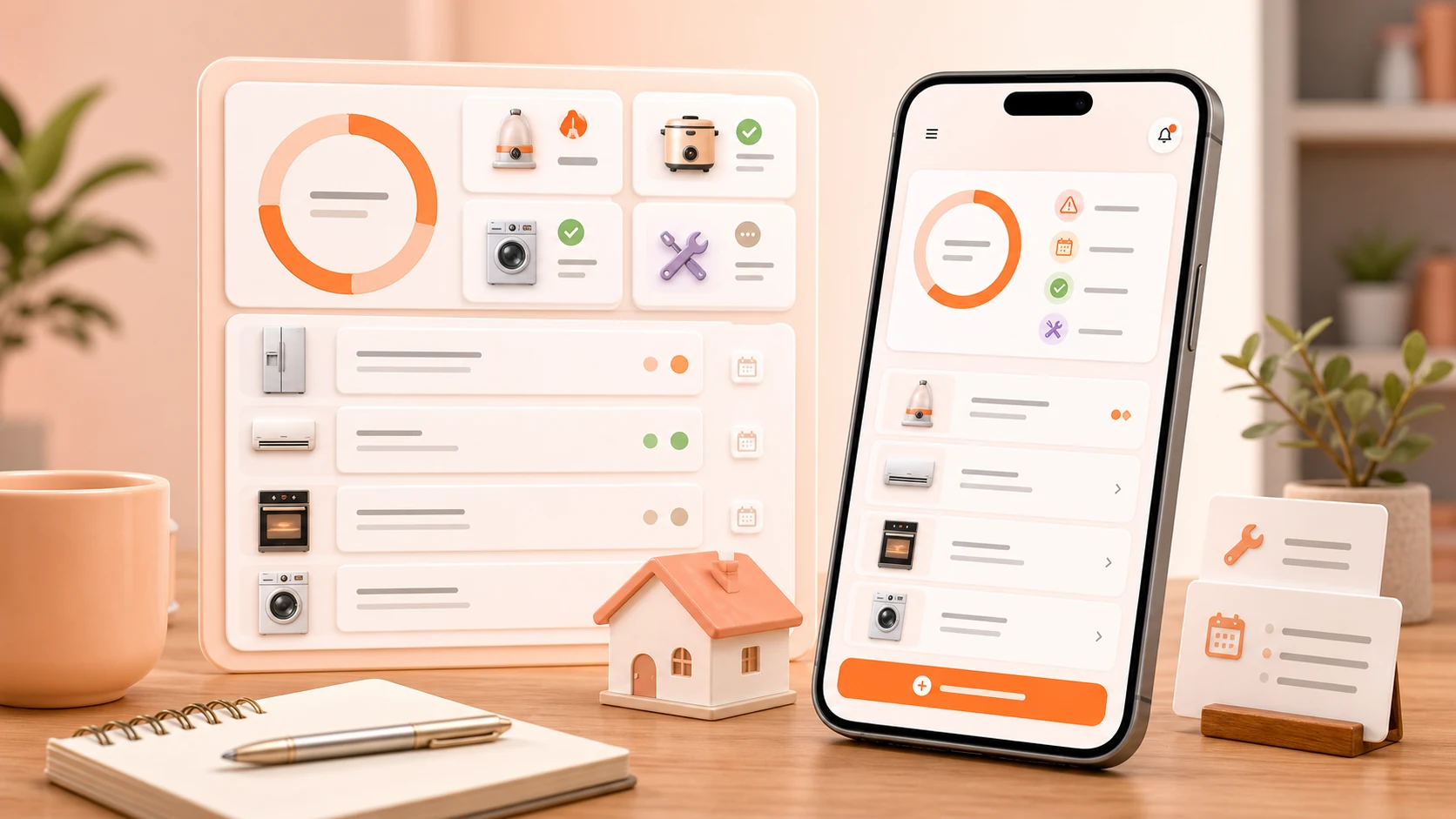
Recurring maintenance looks like one line of code. Take the last service date, add the interval, that is the next one.
It is not one line, and the reasons are worth writing down, because every app that schedules anything eventually meets all of them.
Thirty days is not a month
If a filter is cleaned monthly and you implement "monthly" as thirty days, the schedule walks backwards through the calendar. Clean on the 1st of January, next due on the 31st, then the 2nd of March, then the 1st of April. Within a year the task has drifted by nearly a week, and the user's mental model — "I do this at the start of every month" — has quietly stopped matching the app.
Real months are 28, 29, 30, or 31 days. A monthly task should land on the same day number each month, which means the arithmetic has to work in calendar units rather than elapsed days.
Which immediately raises the next question.
What is January 31st plus one month?
There is no correct answer, only conventions. February 28th? February 29th in a leap year? March 3rd? March 1st?
Most date libraries clamp to the last valid day of the target month, so 31 January plus one month is 28 or 29 February. That is the convention we follow. It has a consequence people notice: a task set for the 31st becomes a task on the 28th in February, and then — this is the part that catches you — if you naively compute the *next* one from that clamped date, it becomes the 28th of March too. The task has permanently moved.
The fix is to keep the original anchor rather than chaining from the last computed date. A task anchored to "the 31st" computes each occurrence from the anchor, so February is clamped to the 28th and March returns to the 31st. This is the difference between a schedule that is stable and one that erodes, and it is invisible until someone has been using the app for a year.
The same thing applies to a task anchored to a weekday or to a position in the month. "The first Saturday" is not a fixed day number and cannot be computed by adding anything.
Dates are not timestamps
The second family of bugs, and the one that produced the most confusing reports.
"I cleaned the filter on 14 February" is a calendar date. It has no time and no timezone. It is a fact about a day.
Store that as a Unix timestamp — say, midnight local time — and it becomes a specific instant. Now read it back in a different timezone and midnight on the 14th in Seoul is the previous afternoon somewhere else. The date shifts by one day.
This affects fewer people than you would think and it affects them a lot: anyone who travels, anyone whose device timezone is set unusually, and — the one we did not anticipate — anyone whose data crossed devices configured differently. Service dates that were correct on one phone were a day earlier on another.
Calendar dates are now stored as calendar dates, with no time component and no timezone, and they are compared as dates. Instants — when a reminder actually fired, when a record was last modified — are stored as instants, in UTC, because those genuinely are moments in time. Mixing the two in one column is the root cause and separating them is the whole fix.
The general rule that falls out: if the answer to "does this change when you get on a plane?" is no, it is not a timestamp.
Reminders fire on a clock, not on a calendar
A due date is a calendar fact. A reminder is an event that has to happen at a moment, which means the two have to be reconciled, and the reconciliation is where daylight saving and travel show up.
We schedule reminders for a local time on the due date, recomputed when the device's timezone changes rather than fixed at the moment the task was created. If you set up a reminder in one timezone and travel, the reminder follows local time at the destination, because "remind me in the morning" means morning where you are.
Reminders for household maintenance are also deliberately not exact alarms. A filter change is not time-critical to the minute, and using the exact alarm mechanism for something that could just as well arrive within the hour is a poor use of a restricted capability and a worse use of the user's battery. They ride the system's normal scheduling.
The one refinement: a reminder that would land in the middle of the night is deferred to the morning rather than delivered. Nobody needs to be told about a water filter at 4 a.m.
Overdue is a state, not a colour
The last piece of the model is what happens when a task is not done on time, and the naive version is unpleasant to use.
If an overdue task just accumulates and turns red, a log with twenty appliances becomes a wall of red within a couple of months, at which point the user stops opening it. We have all used an app like this.
What we do instead:
Overdue does not reschedule silently. The task stays due and the app records that it was missed. Pretending it was done is dishonest and pretending it was never due is worse.
Completing an overdue task re-anchors from the completion. If a monthly filter clean was due on the 1st and you did it on the 12th, the next one is due a month from the 12th, not from the 1st. The alternative produces a task that is due again almost immediately, which is how people learn to ignore the app.
Nothing nags more than once per cycle. A task that is overdue gets a reminder when it becomes due and does not get one every day thereafter.
Skipping is a first-class action. Sometimes maintenance genuinely was not needed. Recording "checked, nothing required" is more useful than a gap in the history, and it advances the schedule honestly.
Keeping a log you will actually maintain
Start with the appliances that cost you something when the information is missing. Air conditioners, washing machines, water purifiers, dryers, robot vacuums, boilers. Not the kettle.
Record the work the same day it happens. The details are available for about twenty-four hours after a repair visit and then they are reconstructed from memory, badly.
Write for someone else. An appliance log is household knowledge. "Done" is meaningless in a month even to the person who wrote it. "Rinsed filter, behind lower front panel, took ten minutes" is useful to anyone.
Record what did not work as well as what did. "Replacing the filter did not fix the noise" saves the next person from repeating it.
Review on a rhythm, briefly. Once a month, or at the season change. Open the list, look at what is due, do one or two things, update a note. If a review takes more than a few minutes it is not a habit, it is paperwork.
Do a deeper pass before the season turns. Cooling equipment before summer, heating and humidifiers before winter. This is when the records actually pay for themselves, because it is when you discover a filter you need to order.
Where the app cannot help
We do not know the manufacturer's recommended interval for your specific machine. Every schedule in the app is one you entered, and most people are guessing. That data exists, spread across thousands of manufacturer PDFs, and we have no good way to get at it.
If you have the manual, the interval in it is worth entering once. If you do not, a rough interval that you actually follow beats a precise one you ignore.