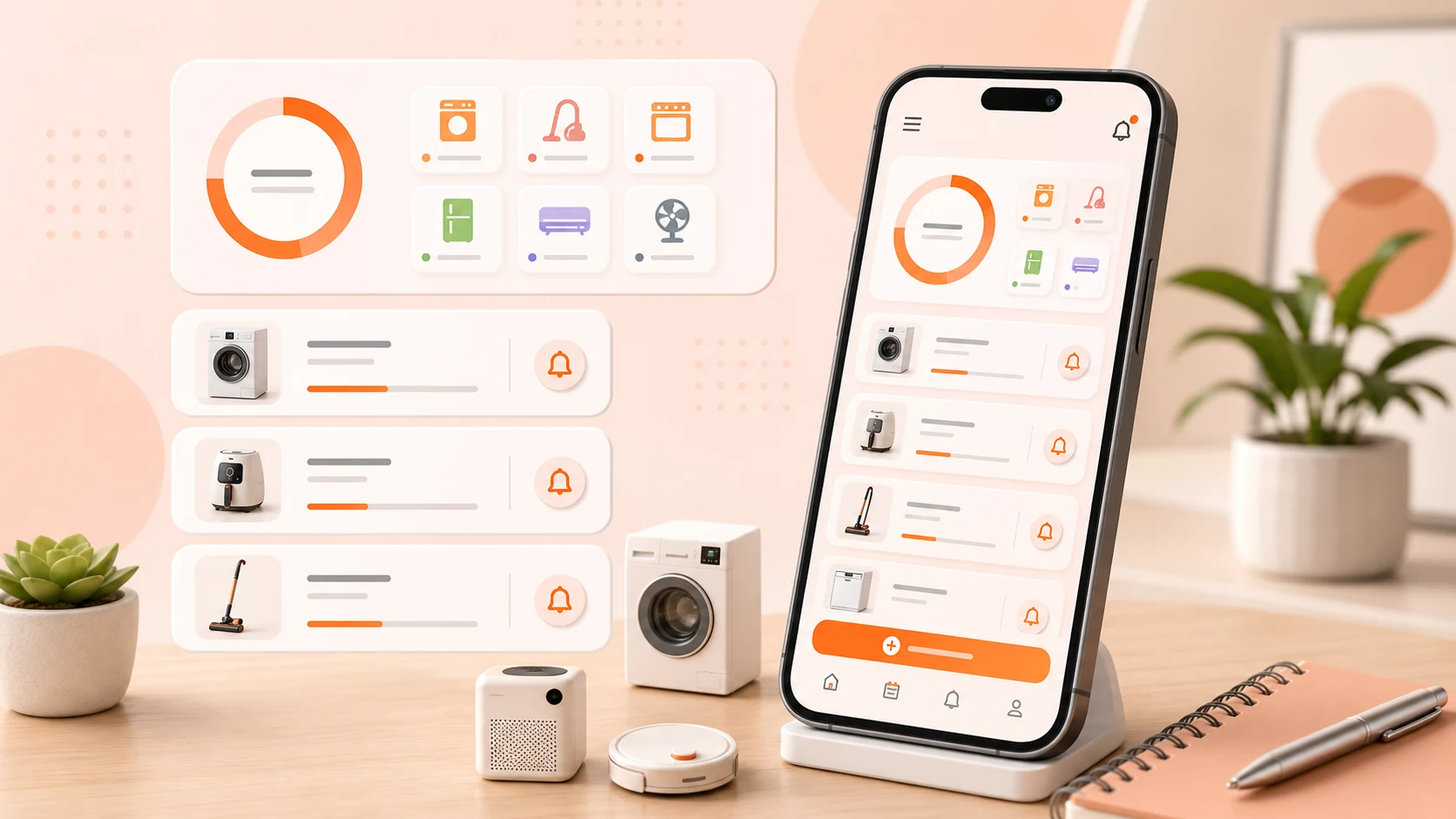
The first version of the appliance form asked for a name, a model number, a purchase date, and a location. All four were required, because all four are obviously useful and a record without them is obviously worse.
Then we watched what people actually did with it, and the form was wrong in both available directions.
Some people bounced. They opened the form to record that they had cleaned the air conditioner filter, discovered they needed the model number to proceed, went to look for it, and did not come back.
The others were worse. They filled it in. The purchase date became roughly when they thought they had moved in. The model number became whatever was legible on the front of the unit, which is the marketing name and not the model. The record existed, it looked complete, and it was fiction.
The realisation
An appliance record is not created at a moment of complete information. It is created at the moment somebody notices they will want the information later — which is almost always a moment when they are standing in front of a machine doing something else.
Every field on the form is something the user plausibly does not know:
The model number is on a sticker behind, under, or inside the appliance. For a built-in oven or a wall-mounted air conditioner, reading it is a project.
The purchase date is on a receipt that may not exist. For anything that came with a rented flat, it is unknowable.
The warranty period depends on the model number and the purchase date, so it inherits both problems.
The filter size is printed on the filter, which is inside the appliance.
Even the name is uncertain — is it "washing machine," the brand, or the model line? People do not have a stable answer.
So every field is optional now. The only thing a record requires is something to call it, and even that is a free-text label rather than a structured product identity. The record can be created in four seconds and improved later.
Blank is not the same as unknown, and neither is zero
Making fields optional meant making the difference between states explicit in the data model, which is where the engineering work actually was.
Not recorded means nobody has entered it. The field should prompt.
Known to be unavailable means the user looked and it is not obtainable — the sticker is worn off, the receipt is gone. The field should stop prompting, because a reminder to fill in something you have already determined is unfillable is just nagging.
Recorded as a value is the ordinary case.
An empty string cannot represent all three, and neither can a null on its own. Collapsing them means the app either keeps asking about things you have already resolved, or silently forgets that you tried. Both were reported before we separated them.
The same distinction matters for dates. "Purchased sometime in 2023" is real information and it is not a date. Storing it as 1 January 2023 makes it a date, and then a warranty calculation produces a confident wrong answer. Purchase dates accept a year or a year and month as well as a full date, and anything derived from them carries the same precision forward. A warranty computed from a year-only purchase date is shown as a range, not a day.
The migration we got wrong
Relaxing the required fields meant a schema change on a database full of existing records, and we made the textbook mistake.
Adding a column that is NOT NULL with no default to a table that already has rows will fail. This is documented, it is obvious in hindsight, and it still shipped, because the migration was tested against a fresh install where the table was empty. On a fresh install every migration works. On a device with two years of appliance records, the app failed to open.
The tooling had been telling us this the whole time. Room can generate schema JSON at build time and validate migrations against it in tests, and there is a helper for running a migration against a database created at the old version and asserting it succeeds. We were not using either. We are now, and the test suite creates a database at every historical schema version and migrates it forward on each build.
The other half of the fix was operational rather than technical: a migration failure must never be an unhandled crash on launch. If a migration fails now, the app opens, reports that it could not upgrade, and keeps the old database file untouched so the data can be recovered. Losing the ability to open the app is bad. Losing the data is unrecoverable, and those are not the same severity.
What to record, and when
The habit that makes the log useful is much smaller than a home inventory.
Add the appliance when you first need it, not when you buy it. The moment you think "I should write down when I last cleaned this" is the moment the record is worth creating. It takes four seconds and everything else can be added later.
Capture the model label as a photo while you are in front of it. This is the single highest-value entry, because it is the field that is hardest to obtain later and the one every support conversation starts with. A photo of the sticker beats typing it, and it captures the serial and the manufacture date alongside.
Write notes for the person who reads them in six months. "Clean filter" is not a note. "Rinse the filter monthly in summer, dry fully before reinstalling, it is behind the lower front panel" is. The reader is you, busy, with the appliance already open.
Record symptoms in the same specificity. "Makes noise" tells you nothing later. "Loud vibration on the spin cycle, started after we moved it, check the levelling feet first" tells you where to start.
Leave what you do not know blank. A guessed purchase date is worse than no purchase date, because you cannot tell later which ones were guesses.
Update the record when the work happens, not later. The details are available for about a day after a repair visit and then they are gone.
Start with the appliances that cost you something
Do not enter the whole house. Start with the ones where missing information has an actual cost: air conditioners, washing machines, dryers, refrigerators, water purifiers, robot vacuums, boilers, humidifiers. These have consumables, service cycles, and warranties, and they are the ones you end up on the phone about.
A kettle does not need a record.
Where the log stops being about you
The other reason to write notes properly: an appliance log is household knowledge, not personal notes.
If someone else has to handle a repair call, buy a replacement filter, or work out why the machine is beeping, a record written in your own shorthand is not much better than nothing. "Done" is meaningless a month later even to the person who wrote it. Writing for a reader who is not you costs a few extra words and is the difference between a log and a diary.
What we have not solved
There is no way to look up an appliance's care schedule from its model number. Every recurring task in the app is one the user entered, and most people do not know the manufacturer's recommended interval for their specific machine. That data exists, it is scattered across thousands of manufacturer PDFs, and we do not have a good answer.
We also do not do anything with the photo of the model label beyond storing it. Reading the model and serial off the sticker with text recognition is an obvious improvement and it is not built.