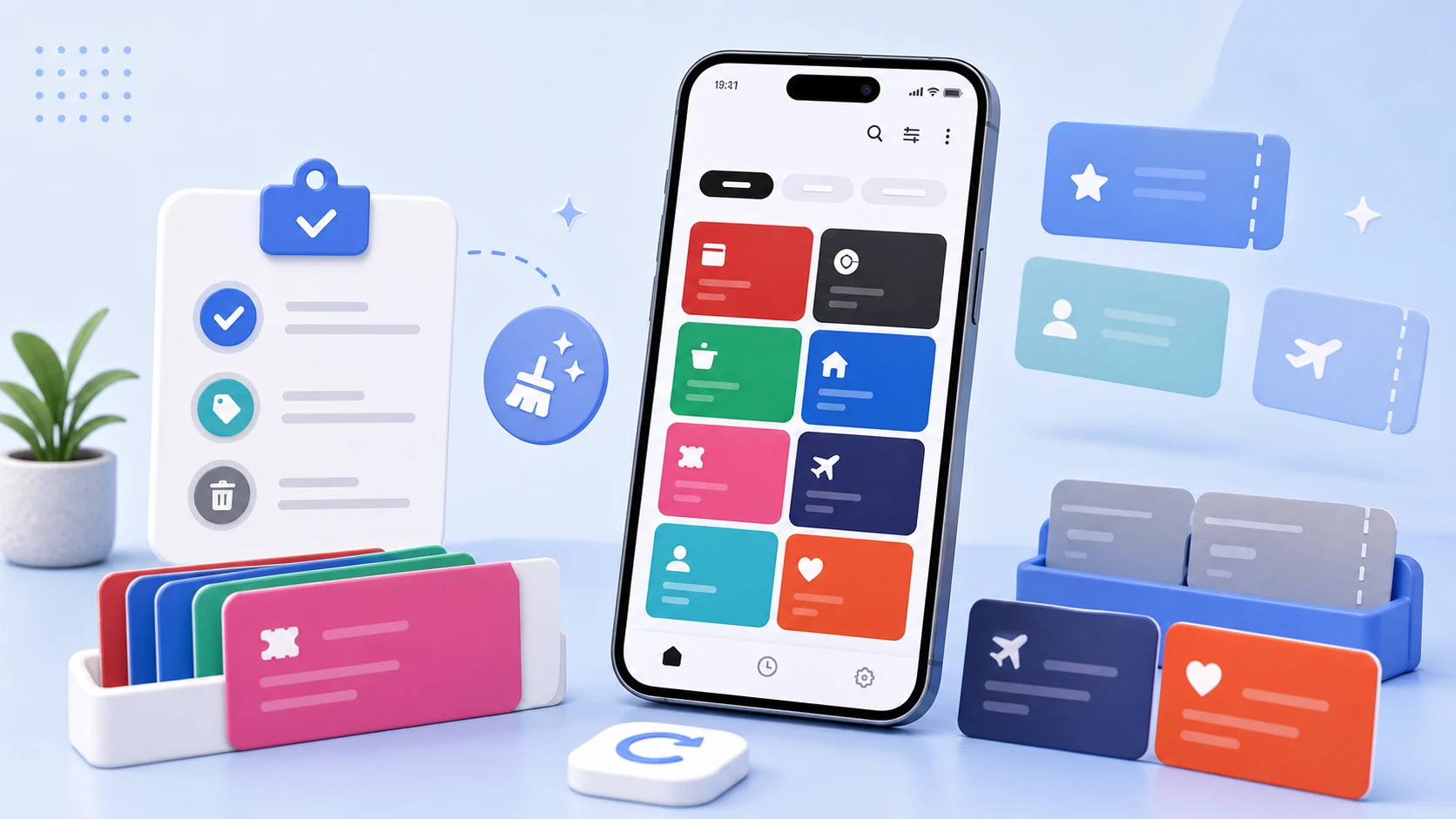
People ask us where their cards are stored, and the answer is short: on the phone, in the app's private storage, and nowhere else. There is no account, no server, and nothing to sign into.
That decision has consequences in both directions, and this post is about the ones that are not obvious.
What a wallet actually holds
It helps to be specific about what is in the database, because "wallet data" sounds vaguer than it is.
A card record is a name, a code value, the symbology that code should be rendered in, optionally an expiry date, a note, and a logo. The code value is the interesting part. For a loyalty card it is a membership number. For a coupon it is a redemption code. For a gym or library card it is an identifier that, presented to the right reader, is you.
None of that is a payment credential — there is no card number, no CVV, nothing that moves money, and we do not want any of it. But a membership number that identifies you at a shop is still personal data, and a coupon code is still worth something to someone who has it.
The backup path we had to close
Android's automatic backup is on by default. If you do not say otherwise, your app's private files are backed up to the user's cloud storage and restored on a new device.
For most apps this is a good default. For a wallet, it means the card database leaves the phone through a channel the user never explicitly chose for this data, and comes back on a device whose state you cannot reason about.
There is a further wrinkle: device-to-device transfer and cloud backup can be configured separately in modern Android's data extraction rules. It is possible to allow one and not the other, and the sensible configuration for a wallet is not the default one.
We exclude the card database from automatic cloud backup, and provide an explicit export instead. Explicit means the user chooses it, chooses where the file goes, and knows a copy now exists. The cost is that reinstalling loses your cards unless you exported first, and we say so clearly rather than quietly relying on a backup that we would rather not have.
This is the trade at the centre of the app. Local-only means nobody can lose your data in a breach, and it means you can lose it yourself. Which of those risks you prefer is a real choice, and we would rather present it than pick for you and not mention it.
Screenshots, recents, and the shoulder
Three smaller pieces of the same problem.
The recents screen. When you switch away from an app, Android keeps a snapshot to show in the task switcher. For a card screen with a barcode on it, that snapshot is a scannable code sitting in the multitasking view. Marking the card screen as secure prevents the snapshot from being taken and blocks screenshots of that screen.
That is a trade-off we thought about, because people legitimately want to screenshot a card to send to a family member. We land on blocking it: a wallet screen that anyone can capture by holding the power and volume buttons is a wallet screen that can be captured by anything running on the phone, and the family-sharing case is better served by sharing the code deliberately.
Card details in the list. The list shows names and logos, not codes. A code renders when you open a specific card. This means glancing at your own wallet in public does not display anything scannable, and it means the brightness boost only happens when it needs to.
Notes. The note field on a card is free text, and people put things in it that they should not — PINs, passwords, account details. We cannot stop that and we do not scan it. It is worth saying: the note is for "valid at the Seomyeon branch only", not for a PIN.
The review that keeps it usable
Wallet contents rot quietly, and a list you do not trust is a list you do not open — at which point you are back to carrying the physical card and the app has failed.
The review is short and it is event-driven rather than scheduled, because nobody keeps a schedule for this.
When a card expires or a coupon is used, remove it. An expired item sitting in the main list is the single biggest source of hesitation at a counter, because now every item needs a moment of thought.
When your main payment method or membership changes, check what that displaced. There is usually a card that was there because of the old arrangement.
When you stop going somewhere, remove its cards. A gym you left, a shop that closed, a city you moved from.
When a name is ambiguous, fix it now. If you had to think about which of two similar entries was the right one, that is the moment to rename, not later. The name that works is the one you would recognise while a queue moves behind you.
Remove rather than archive. An archive you never open is a slower delete with extra steps.
The whole thing takes under a minute and it is worth doing when prompted by an event rather than by a reminder, because a reminder to tidy your wallet app is a notification everyone dismisses.
Exporting, and doing it properly
Since there is no automatic backup, the export is the safety net, and an export is a plaintext copy of exactly the data described above.
Put it somewhere you would put a document with your membership numbers in it. Not a shared folder, not a chat with yourself, not a downloads directory you never clear. If you export before changing phones, delete the file after the restore.
Export before you factory reset, not after. This sounds obvious and it is the most common way people lose their wallet, because a factory reset is a decision made at a moment when you are thinking about something else.
What we are not doing
There is no sync, and adding one would change the app's fundamental promise. Sync means an account, an account means a server, and a server means the data exists somewhere that is not your phone. That is a reasonable design for a different app; it is not this one, and we would rather not offer it than offer it and let people assume the storage model is unchanged.
We also do not encrypt the database beyond what Android's own file-based encryption provides for app-private storage. On a device with a screen lock that is meaningful protection. On an unlocked or rooted device it is not, and an app-level passcode for opening the wallet is on the list.