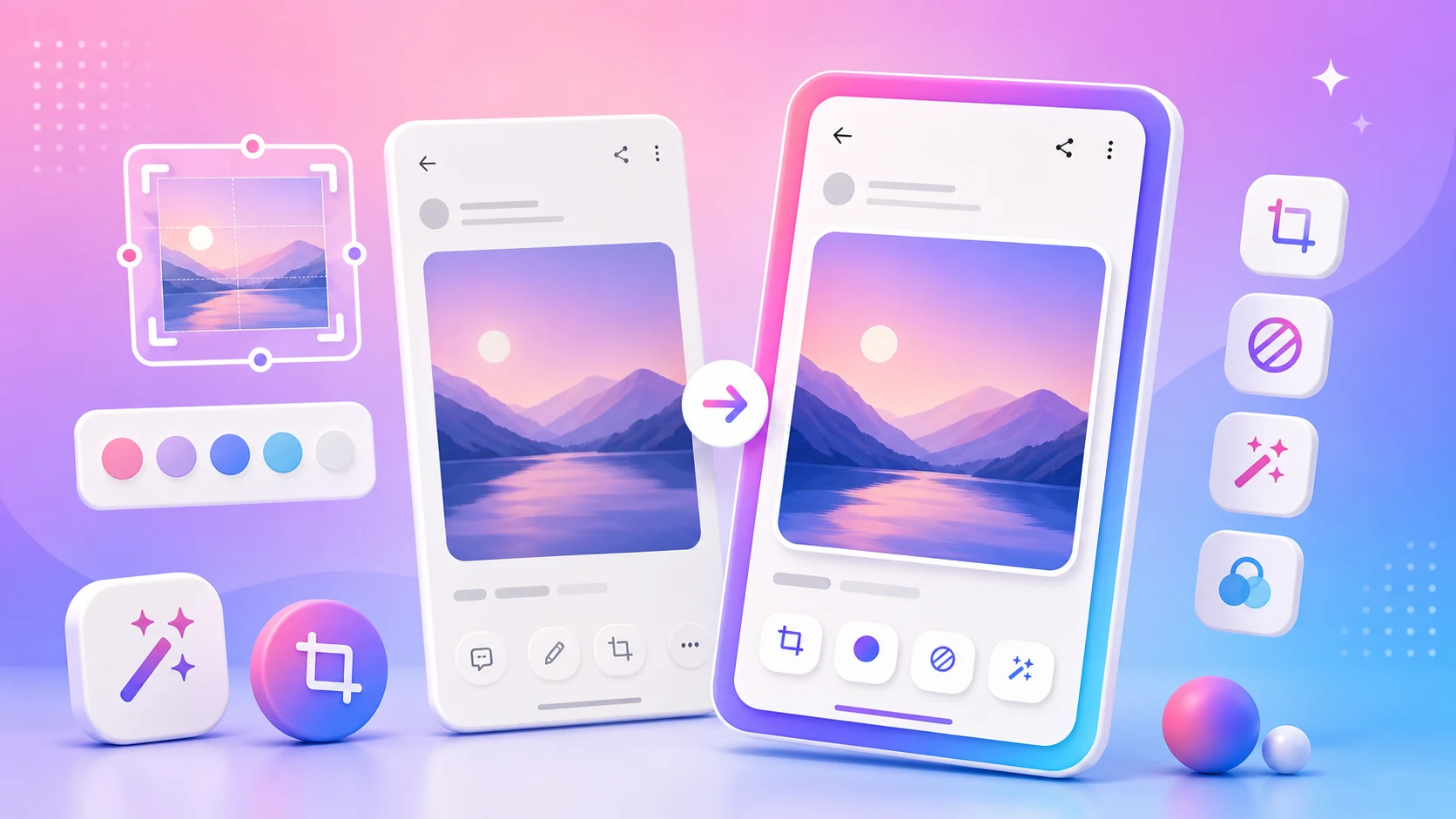
The obvious way to implement undo in an image editor is to keep a copy of the image before each change. Push a bitmap, make the edit, and undo pops the previous one back.
It works, it is about ten lines, and it will crash your app.
The arithmetic
A screenshot from a modern phone is somewhere around 1080 by 2400 pixels. Decoded to a bitmap at four bytes per pixel — the standard configuration for anything with quality — that is roughly ten megabytes in memory.
Ten megabytes per undo step. Ten steps of history is a hundred megabytes, which on many devices is more heap than the app is going to get. And an editor session naturally produces a lot of steps, because every drag of a highlighter and every adjustment of a crop handle is a change.
The failure is not gradual. You get OutOfMemoryError, and because it happens during an allocation in the middle of drawing, you get it at the moment the user is doing something. The reports we received described the app closing while they were marking up an image, which is exactly what was happening.
Storing what happened instead of what it looked like
The alternative is to keep the original image once and represent the edit history as a list of operations. A crop is a rectangle. A highlight is a colour, a stroke width, and a path. A blur is a region and a radius. A text annotation is a string, a position, and a style.
Each of these is measured in bytes rather than megabytes. Fifty of them cost less than one bitmap.
Rendering is then: take the original, apply the operations in order, draw the result. Undo removes the last operation. Redo puts it back. History is a list, not a stack of images.
There are consequences beyond memory, and they are the reason this is the right design rather than merely the cheaper one.
Export happens once, at full resolution, from the original. The screen preview can render at display resolution, which is much smaller and therefore fast. When you save, the same operations are applied to the full-resolution original. Nothing is repeatedly decoded and re-encoded, so there is no generational quality loss no matter how much editing you do.
Edits stay adjustable. Because a blur is a region and a radius rather than pixels that have been changed, you can move it or resize it after the fact. In a bitmap-per-step editor, changing an earlier edit means undoing everything after it.
A session can be restored. The document is a small structure — a reference to the source image plus a list of operations — so an interrupted session survives the process being killed. The bitmap approach would require persisting a hundred megabytes.
The trade-off is that rendering is now work rather than a memcpy, so the preview has to be efficient. Operations are applied to a downscaled copy for display and cached until something changes. This is more code than pushing bitmaps onto a list, and it is the code an image editor is supposed to have.
What the preview is not
One thing this design demands honesty about: the preview is a rendering at display resolution, and the exported file is a rendering at source resolution. They are not the same pixels.
For most operations that difference does not matter. For anything where the exact extent matters — a blur that needs to cover a specific piece of text, a crop that needs to land on an exact boundary — a region that looks covered on a scaled preview can be a couple of pixels short at full size.
We handle this by rendering redaction operations with a small margin, and by making the export path the authority: what you check before sending is a render of the actual output, not the working preview. But it is a real seam in the design and worth knowing about if you are ever wondering why an editor shows you a confirmation step.
The edit flow
ONEShot exists for the thirty seconds between taking a screenshot and sending it. The editing that belongs in that window is limited, and doing less is usually better.
Decide what the viewer needs to notice. Every edit should serve that. A screenshot is a question, a piece of evidence, an instruction, or a reference, and which one it is determines what to keep.
Crop to the answer, keeping enough context to be recognisable. The most common problem with a shared screenshot is extra information — status bars, unrelated messages, empty space. The second most common is a crop so tight the reader cannot tell which app or screen they are looking at. The crop should answer one question: what should they see first?
Mark as little as possible. One clear highlight beats five arrows. If you need to explain several things, send several screenshots in order rather than turning one image into a diagram. Put the numbered steps in the message, not in the picture.
Hide private detail before anything else. Screenshots pick up more than you notice: notification previews, names in a header, an account label in a corner, an address in a suggestion, a partially visible message from someone else. Scan the whole frame rather than the part you care about.
Check the export, not the preview. The last step before sharing should be looking at the actual output.
Where a phone editor is the right tool
The case for editing on the phone is speed, and speed is what makes the privacy check likely to happen. An editing workflow that involves moving the image to a computer means the check happens at the end of a long process, when you have already decided you are done.
For support conversations, bug reports, showing someone where to tap, saving an order detail, or a quick before-and-after, a focused editor on the device is faster and the result is better, because you were still looking at the original screen when you made it.
For anything that needs precise work — real design review, a multi-image composition, anything where the image itself is the deliverable — a phone editor is the wrong tool and we would rather say so.
What we have not built
There is no session history beyond the current document. Close an image and its operation list is gone, which means you cannot go back a week later and adjust a blur on something you already sent. The data model would support it easily; the interface for browsing edited screenshots is the part that does not exist.
We also do not do anything clever about very large images. A screenshot is a known, bounded size. A photograph from a modern camera is several times larger, and while the operation-based design handles it far better than the bitmap approach would, the full-resolution export path is where a phone with little free memory will still struggle.